Bot Simulator
Compare the raw HTML, rendered output, status codes, and access differences seen by Googlebot, AI crawlers, and user-triggered fetches. The full feature lives inside the Fennec SEO app.
When should you use it?
The full feature lives in the app
The web page does not run live bot fetches. It helps you decide what bot simulation is supposed to answer, which results are trustworthy, and where the next validation step belongs.
Direct answer: Bot Simulator is most useful when humans can see content but bots may not, or when different bots receive different versions. When you need Google’s final indexing state, go back to URL Inspection and Page indexing.
The full Bot Simulator is available only in the Fennec SEO app
When should you use it?
When should you use it?
Bot Simulator is not just “swap the user agent and hope for insight”. Its value is in comparing crawler-visible content, rendered output, HTTP responses, and access rules in one workflow so you can tell whether the problem is rendering, policy, or indexing.
This page explains when Bot Simulator is the right tool, which conclusions you can trust immediately, and which ones still need Search Console or log validation.
Google Search Central: Googlebot
Google documents separate Smartphone and Desktop crawlers, says mobile crawling is primary for most sites, and notes that both share the same `Googlebot` robots token.
Search Console: URL Inspection tool
Google’s own URL Inspection view is still the source for recorded crawl and render state, so a bot simulation should not end with “it looks fine to us”.
Real product evidence
App evidence cards
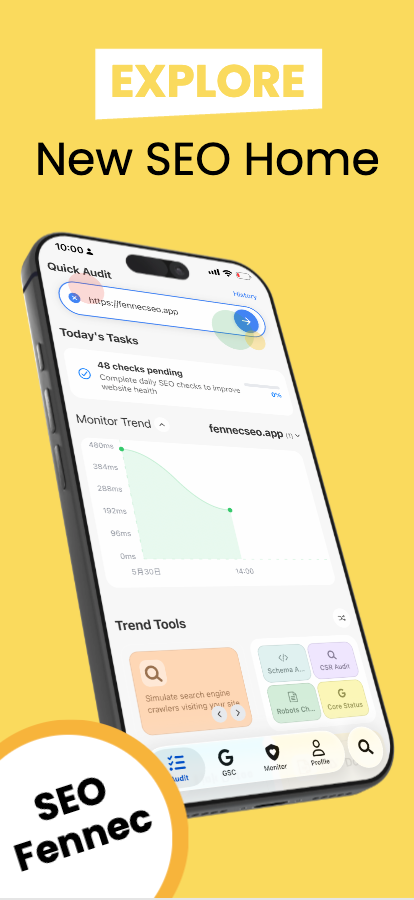
App entry point
Bot Simulator is an in-app feature, not a live crawler that runs on this web page.
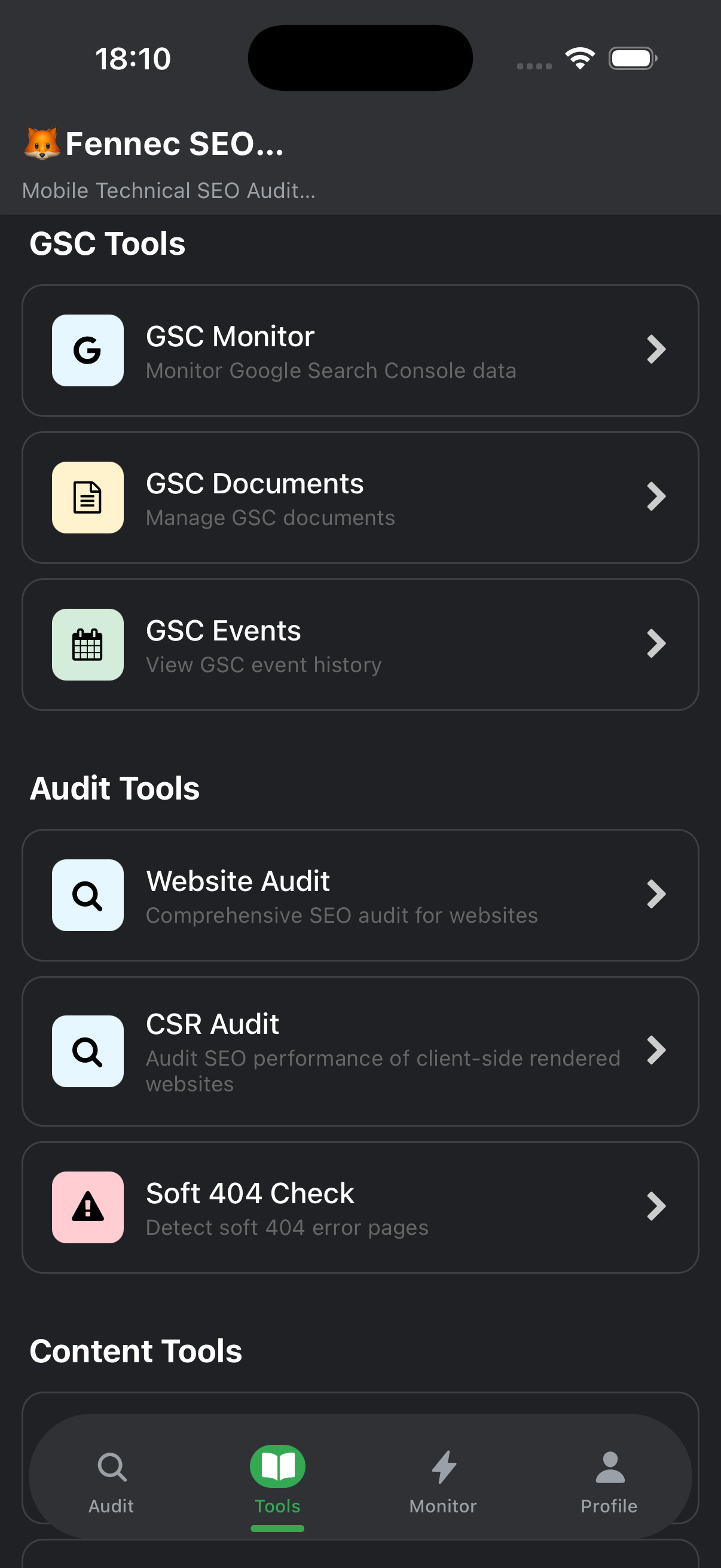
Workflow fit
Use it alongside technical SEO, robots, canonical, and soft 404 checks instead of treating bot testing as a standalone answer.
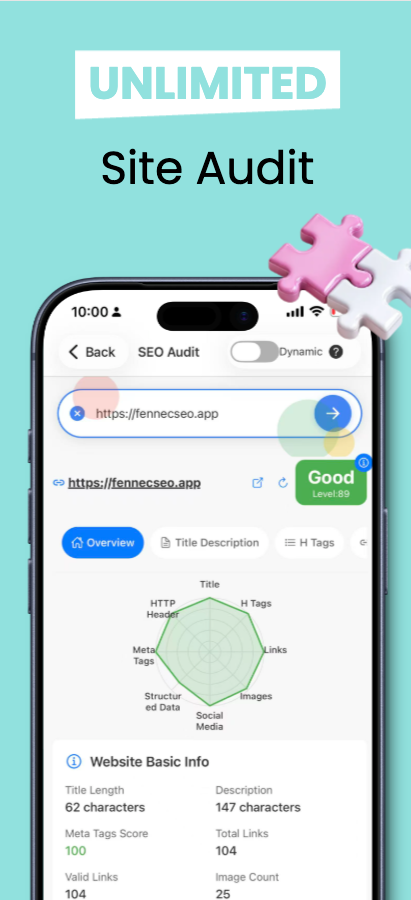
Audit companion
Bot simulation is strongest when you compare it with indexing, crawl, and page-quality evidence.
Which profiles deserve separate review
Which profiles deserve separate review
These three profile groups solve different jobs, so they should not be merged into one broad “AI crawler” bucket.
Googlebot Smartphone / Desktop
Google separates Smartphone and Desktop crawlers, but both share the same `Googlebot` robots.txt token. For most sites, mobile crawling is the primary concern.
Google Search Central: GooglebotOAI-SearchBot / GPTBot / ChatGPT-User
OpenAI separates search, training, and user-triggered fetches. Allowing `OAI-SearchBot` does not automatically mean allowing `GPTBot`, and `ChatGPT-User` is not an automatic crawler.
OpenAI: Overview of OpenAI CrawlersClaudeBot / Claude-User / Claude-SearchBot
Anthropic also separates training, user-requested retrieval, and search-quality crawling. Those bots should not be collapsed into one generic “AI crawler” decision.
Anthropic: Claude crawler controlsReproducible commands
Reproducible commands
These commands are enough for a quick header and HTML comparison, but they only simulate the user agent and do not replace real crawler verification.
HTTP + status check
curl -I -L -A "Googlebot" https://example.com/page
curl -I -L -A "OAI-SearchBot" https://example.com/page
curl -I -L -A "ClaudeBot" https://example.com/page
Raw HTML spot check
curl -L -A "Googlebot" https://example.com/page | sed -n '1,120p'
curl -L -A "ChatGPT-User" https://example.com/page | sed -n '1,120p'
Page and official sources last verified on July 27, 2026
Four common decisions
Four common decisions
Use Bot Simulator to find the difference, then move that difference into URL Inspection, robots, canonical, soft 404, or log validation instead of ending the investigation in one tool.
Raw HTML looks fine, but rendered content is missing
This is usually not a robots problem. It is more often JavaScript, component failure, blocked resources, or state-dependent rendering. Compare the rendered output first, then confirm with URL Inspection Live Test.
Debug JavaScript and renderingA bot gets a 403, login wall, or empty shell
Separate security controls, geo or device routing, anti-bot rules, and user-agent-specific responses. Bot simulation can expose the difference, but it does not automatically prove which version is correct.
Review robots and access controlAllow search, block training
This is a policy decision, not just a crawl test. OpenAI and Anthropic separate search, training, and user fetches, so the right rule is purpose-based, not a blanket allow or block.
Read the AI crawler testing guideThe bot view is fine, but the page still does not index
Bot simulation does not replace Google’s indexing record. Continue with canonical, soft 404, URL Inspection, and internal-link review instead of stopping at “rendering looks fine”.
Continue with canonical and soft 404 checksWhat each bot result actually answers
What each bot result actually answers
Do not collapse every bot test into one generic crawler result. Different request classes answer different questions.
| Bot profile | Primary question it answers | Do not over-interpret it as |
|---|---|---|
| Googlebot | Mobile-first indexing, raw HTML, and rendered DOM parity | A spoofed UA alone does not prove the request is real Googlebot; continue with reverse DNS or IP-range verification. |
| OAI-SearchBot | Whether a page is intended to appear in ChatGPT search and is explicitly allowed in robots | Allowing search does not automatically allow training, and it does not guarantee user-triggered fetches behave the same way. |
| GPTBot / ClaudeBot | Whether training crawlers should be allowed and separated from search policy | This is primarily a policy and compliance decision, not a classic indexing diagnosis. |
| ChatGPT-User / Claude-User | Whether user-triggered retrieval hits login walls, empty states, WAF rules, or geo restrictions | These requests are not the same as automatic crawling and behave more like user-initiated fetches. |
Limits and failure modes
Limits and failure modes
- User-agent simulation is not crawler identity verification. Google explicitly recommends reverse DNS or IP-range checks for real Googlebot verification.
- Bot simulation does not replace Search Console URL Inspection. One shows live differences; the other shows Google’s observed record and live test.
- Login state, cookies, geo personalization, captcha walls, and rate limits can make the app view differ from the real crawler outcome.
- If canonical, soft 404, robots, or internal-link problems also exist, a bot-view comparison alone will give you an incomplete diagnosis.
OpenAI: Overview of OpenAI Crawlers
OpenAI explicitly separates `OAI-SearchBot`, `GPTBot`, and `ChatGPT-User`, with different robots implications for each.
Anthropic: Claude crawler controls
Anthropic also separates `ClaudeBot`, `Claude-User`, and `Claude-SearchBot`, and explains the robots.txt and IP-verification boundaries.