Free technical SEO tool
Robots.txt Checker
Fetch the live robots.txt file and check syntax, site-wide blocks, sitemap declarations, and access policies for search and AI crawlers.
Check a website
Enter a domain or any page URL. We always inspect /robots.txt at that site’s root.
The check runs through Fennec’s Cloudflare API and never changes the target website.
Fetching and analyzing…
Check result
This is a live request. CDN, WAF, and robots.txt controls are separate layers.
AI crawler access overview
Specific user-agent groups take priority over wildcard rules. Partial means only some paths are disallowed.
| Crawler | Purpose | Access | Rule source | Path rules |
|---|
Parsed rule groups
Discovered sitemaps
View raw robots.txt
What does this check cover?
One check answers whether the file is reachable, whether its rules parse, and what different crawler types are allowed to access.
⚡
Live fetch
See the final URL, HTTP status, response time, file size, and content type.
✓
Syntax diagnostics
Find missing user agents, invalid paths, bad sitemap URLs, and site-wide blocks.
AI
AI crawlers
Review search, training, and user-triggered AI crawler access separately.
</>
Raw evidence
Keep the fetched robots.txt visible so SEO and engineering teams can verify it.
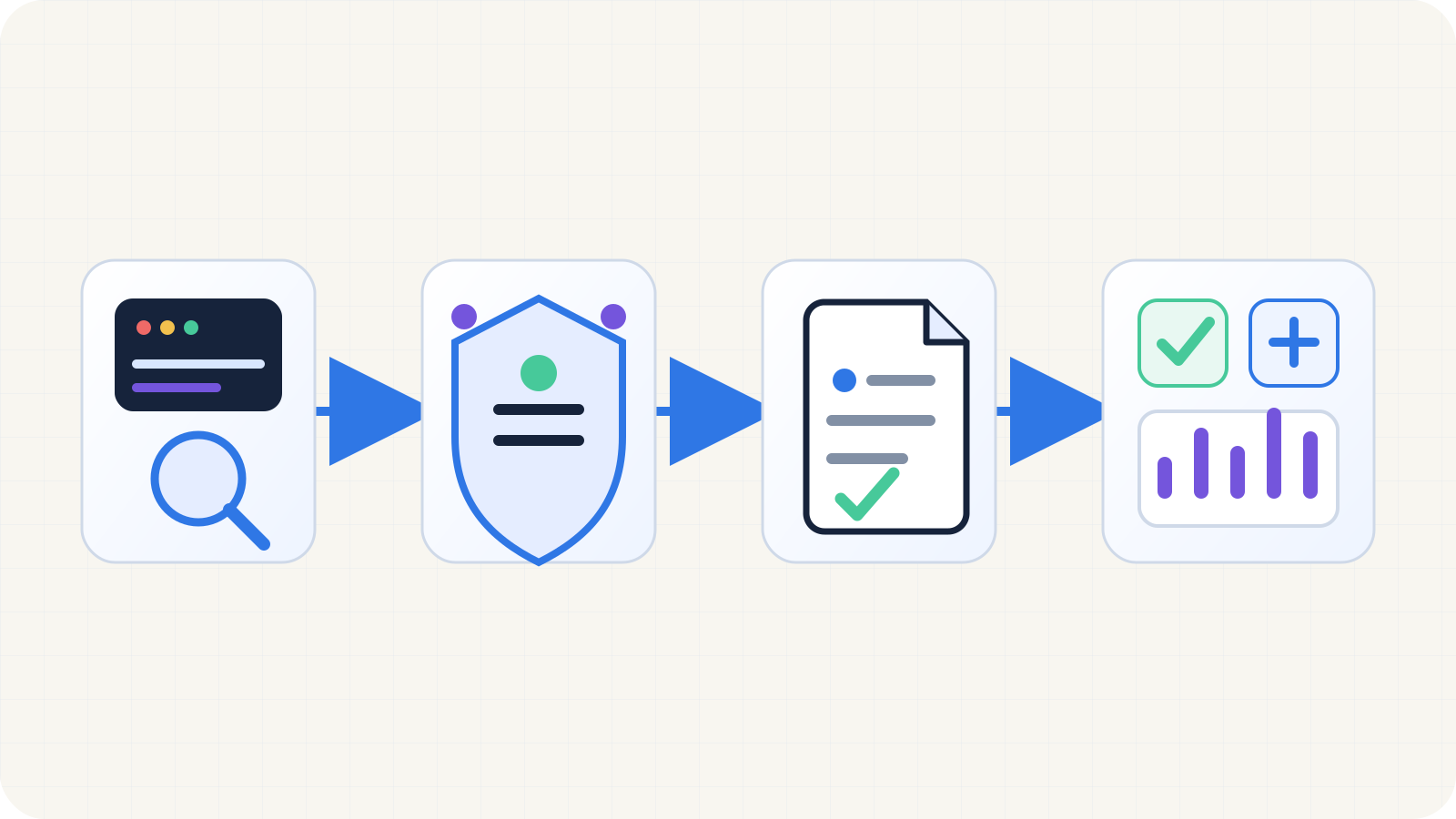
How one check works
The checker sends a website URL through the edge API, safely retrieves robots.txt, and turns it into diagnostics, sitemap discovery, and crawler access results.
- Resolve the root-level /robots.txt automatically
- Limit redirects, response time, and file size
- Return rule diagnostics, sitemaps, and crawler access
Common robots.txt rules
Rules are case-sensitive and apply only to the same protocol, hostname, and port. Place the file at the site root.
Allow every crawler
An empty Disallow value means there are no path restrictions.
User-agent: *
Disallow:
Block directories
Paths start with / and matching is case-sensitive.
User-agent: *
Disallow: /admin/
Disallow: /internal-search/
Allow an exception
A more specific Allow can open a resource inside a blocked directory.
User-agent: *
Disallow: /private/
Allow: /private/public-guide/
Declare a sitemap
Use a complete absolute URL. Multiple Sitemap lines are valid.
Sitemap: https://example.com/sitemap.xmlChoose the right control first
robots.txt, noindex, WAF rules, and log verification solve different jobs. Match the control to the goal before you edit anything.
Need a page out of Google Search
Keep the page crawlable, then use noindex or X-Robots-Tag. Do not rely on robots.txt alone, because a known URL can still appear without a snippet.
Read the noindex and X-Robots-Tag guideNeed private content protected or access enforced
robots.txt expresses preferences only; it is not a security control. Use authentication, origin permissions, a WAF, or Cloudflare AI Crawl Control for real enforcement.
Verify real access with Bot SimulatorNeed search discovery but not model training
Separate search, training, and user-triggered access. OpenAI separates OAI-SearchBot from GPTBot, and Google documents that Google-Extended does not affect Google Search inclusion.
Read the GPTBot and OAI-SearchBot decision guideThe checker says allowed, but the crawler still fails
Keep going through the WAF, status code, canonical, sitemap, and rendered HTML layers. robots rules alone do not explain most 403, 429, redirect, or rendering failures.
Read the AI crawler log analysis workflowVerify with real requests
Confirm the root file first, then the sitemap and the affected HTML URL, before you blame robots rules alone.
Real baseline: Fennec robots.txt
Last verified on July 27, 2026. The live file returns HTTP 200, plain text, one sitemap, and Content Signals that keep search and citation access while declining training.
Reproducible commands
curl -I https://fennecseo.app/robots.txt
curl https://fennecseo.app/robots.txt
curl -I https://fennecseo.app/sitemap.xml
robots.txt
User-agent: *
Allow: /
Allow: /zh/

Content-Signal: search=yes, ai-input=yes, ai-train=no

Sitemap: https://fennecseo.app/sitemap-index.xml
What this output tells you
- HTTP 200 with `text/plain; charset=utf-8` confirms a readable root-level plain-text file.
- `Sitemap: https://fennecseo.app/sitemap-index.xml` gives crawlers a clear discovery entry point.
- `Content-Signal: search=yes, ai-input=yes, ai-train=no` keeps search and citation access while declining training use; add crawler-specific `Disallow` rules if you also want training bots blocked from crawling.
1. Fetch the root file first
Confirm the final URL, HTTP status, Content-Type, and whether redirects are involved. Google only checks root-level robots.txt files and follows up to five redirects.
curl -I https://example.com/robots.txt
curl https://example.com/robots.txt2. Validate the sitemap next
Request the sitemap URL declared in robots.txt directly so you can catch non-200 responses, hostname mistakes, or stale paths.
curl -I https://example.com/sitemap.xml3. Re-test the affected HTML URL
If the target page still fails, keep checking canonical signals, rendered output, status codes, the WAF, and geography rules instead of stopping at robots rules.
4. Do not mix control layers when the goal is deindexing
When you need a page removed from Google, keep it crawlable long enough for noindex to be read. A robots block plus page-level noindex is the classic failure mode.
How to manage AI crawlers
Do not treat every AI crawler as the same use case. Search discovery, model training, and user-triggered retrieval commonly use different user agents.
| User-agent | Provider | Purpose | Type |
|---|---|---|---|
| OAI-SearchBot | OpenAI | Discovery, summaries, and citations in ChatGPT search | Search |
| GPTBot | OpenAI | Web collection that may be used to improve and train models | Training |
| ChatGPT-User | OpenAI | Visits initiated when a ChatGPT user requests a page | User action |
| Claude-SearchBot | Anthropic | Discovery and relevance for Claude search results | Search |
| ClaudeBot | Anthropic | Web collection that may contribute to model training | Training |
| Claude-User | Anthropic | Web visits initiated by a Claude user | User action |
| PerplexityBot | Perplexity | Search indexing and linked results in Perplexity | Search |
| Google-Extended | Controls some Gemini and Vertex AI training or grounding uses; it does not affect Google Search inclusion | AI use |
Note: OpenAI says robots.txt rules may not apply to user-triggered ChatGPT-User visits, and Perplexity says Perplexity-User generally ignores robots.txt. The checker marks these visits as “Rules may not apply.”
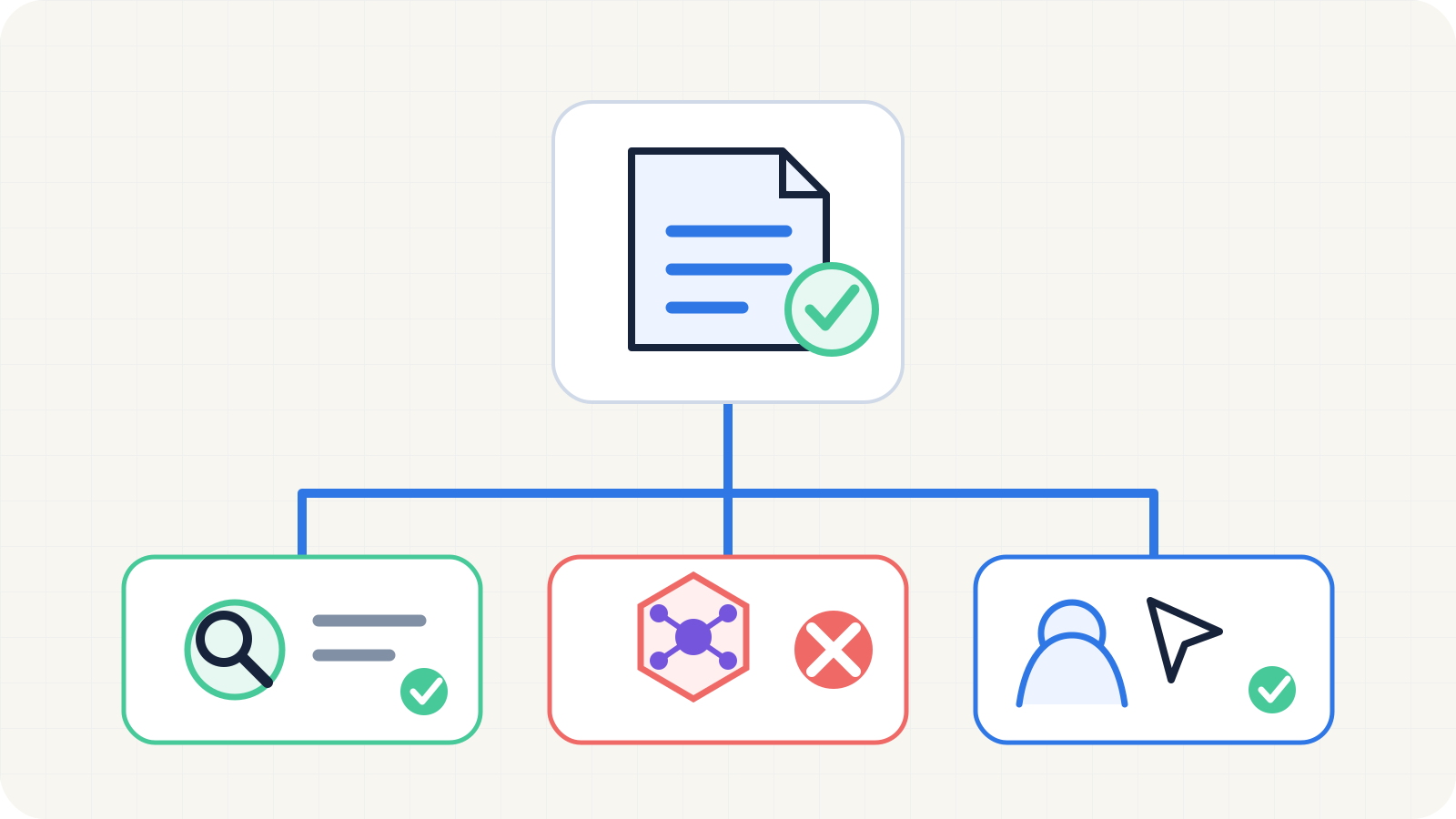
Separate AI crawler policy by purpose
One robots.txt file can manage search discovery, model training, and user-triggered retrieval separately instead of applying one switch to every AI crawler.
- Keep search discovery and citation access
- Decline model-training crawlers independently
- Flag user-triggered visits where robots.txt may not apply
A common “allow search, block training” policy
This example preserves discovery in ChatGPT and Claude search while declining the OpenAI and Anthropic training crawlers. Review it against your business and licensing policy before publishing.
# Keep AI search discovery available
User-agent: OAI-SearchBot
Allow: /

User-agent: Claude-SearchBot
Allow: /

# Decline model-training crawlers
User-agent: GPTBot
Disallow: /

User-agent: ClaudeBot
Disallow: /

# Default policy for other compliant crawlers
User-agent: *
Content-Signal: search=yes, ai-input=yes, ai-train=no
Allow: /

Sitemap: https://example.com/sitemap.xml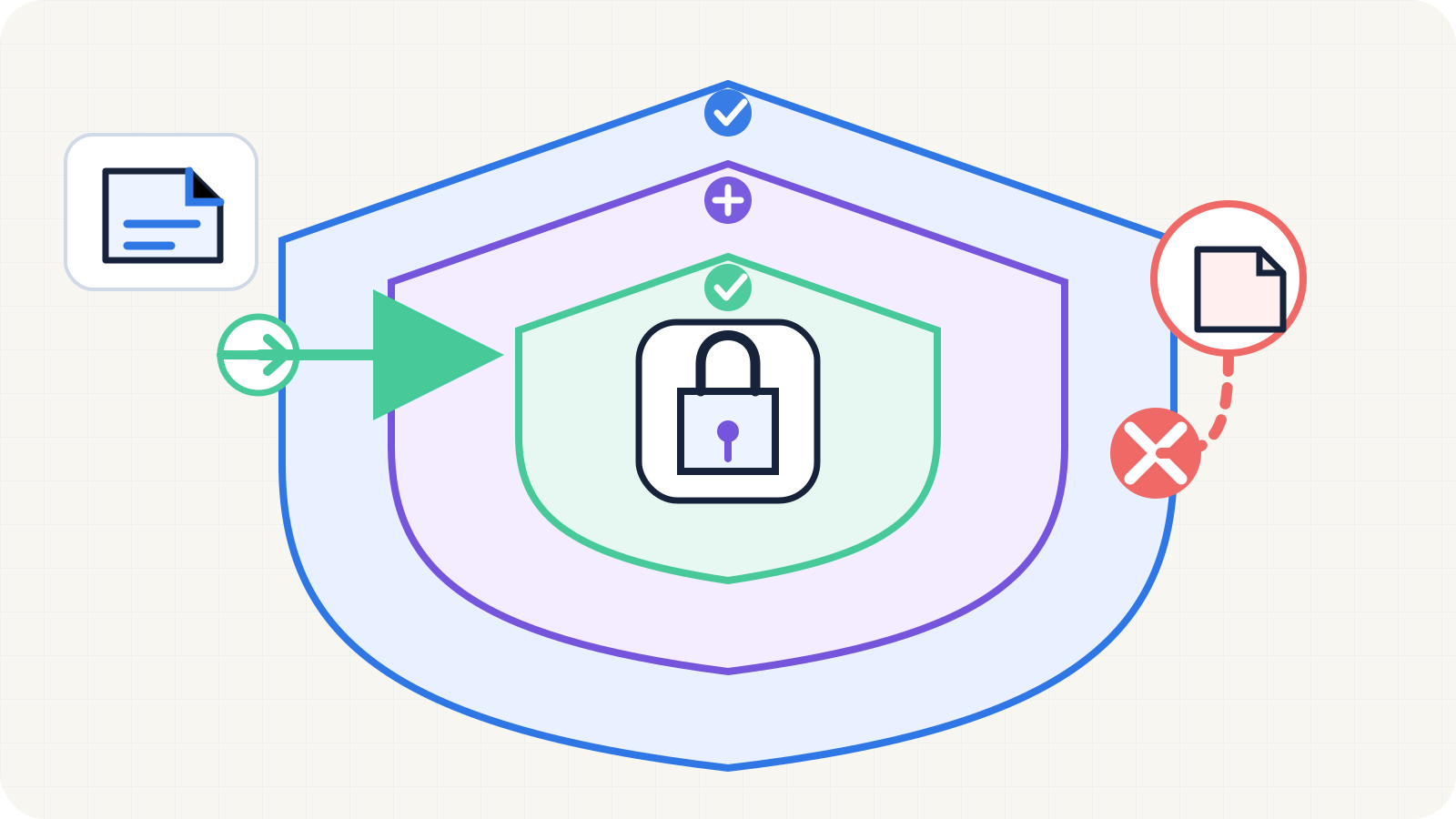
Three controls for three different jobs
Control layers: robots.txt communicates crawl preferences, a CDN or WAF enforces network blocks, and authentication protects genuinely private resources.
- robots.txt: guidance for compliant crawlers
- CDN / WAF: enforced network blocking
- Authentication: protection for private resources
Robots.txt questions
Can robots.txt remove a page from Google?
Not reliably. robots.txt controls crawling, not guaranteed index removal. If a crawler cannot fetch a page, it also cannot read a noindex directive on that page.
What happens if robots.txt is missing?
It normally means there are no path-level crawl restrictions, although the server, CDN, WAF, authentication, and HTTP status can still block crawlers. A reachable baseline file with a Sitemap declaration is still useful.
What does Disallow: / mean?
It normally blocks the corresponding user agent from crawling the entire site. Under User-agent: *, it can stop every compliant crawler from accessing the site.
Can robots.txt protect private content?
No. The file is public, and non-compliant bots may ignore it. Protect sensitive content with authentication, authorization, and network access controls.
Why is an AI crawler blocked even when robots.txt allows it?
robots.txt is only one layer. Cloudflare, a WAF, bot management, rate limits, CAPTCHAs, geography rules, or the origin firewall may still return 403 or 429.