GPTBot vs OAI-SearchBot vs Googlebot: Robots.txt Rules for AI SEO

AI crawler policy is now a technical SEO decision, not a footnote.
Googlebot, GPTBot, OAI-SearchBot, ChatGPT-User, ClaudeBot, PerplexityBot, Bingbot, and other crawlers may visit your site for different reasons. Blocking all of them is simple. Understanding them is better.
This guide gives you a practical robots.txt decision framework for AI SEO.
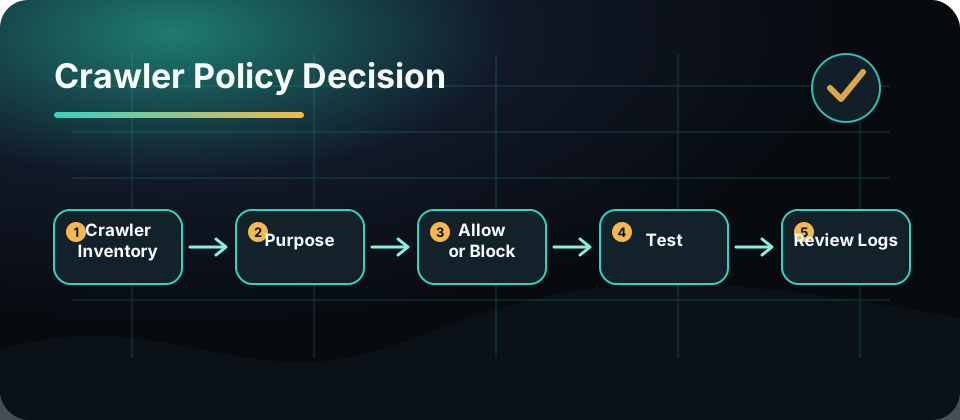
Start With The Purpose
Do not group every AI-related user agent together.
Ask what the crawler is for:
| Crawler type | Typical purpose | SEO question |
|---|---|---|
| Search crawler | Discover and index web content | Do we want visibility? |
| AI training crawler | Collect data for model training | Do we allow training use? |
| User-triggered agent | Fetch a page for a user’s request | Do we want the user to access this content through an assistant? |
| Preview or integration bot | Render cards or fetch metadata | Do previews matter? |
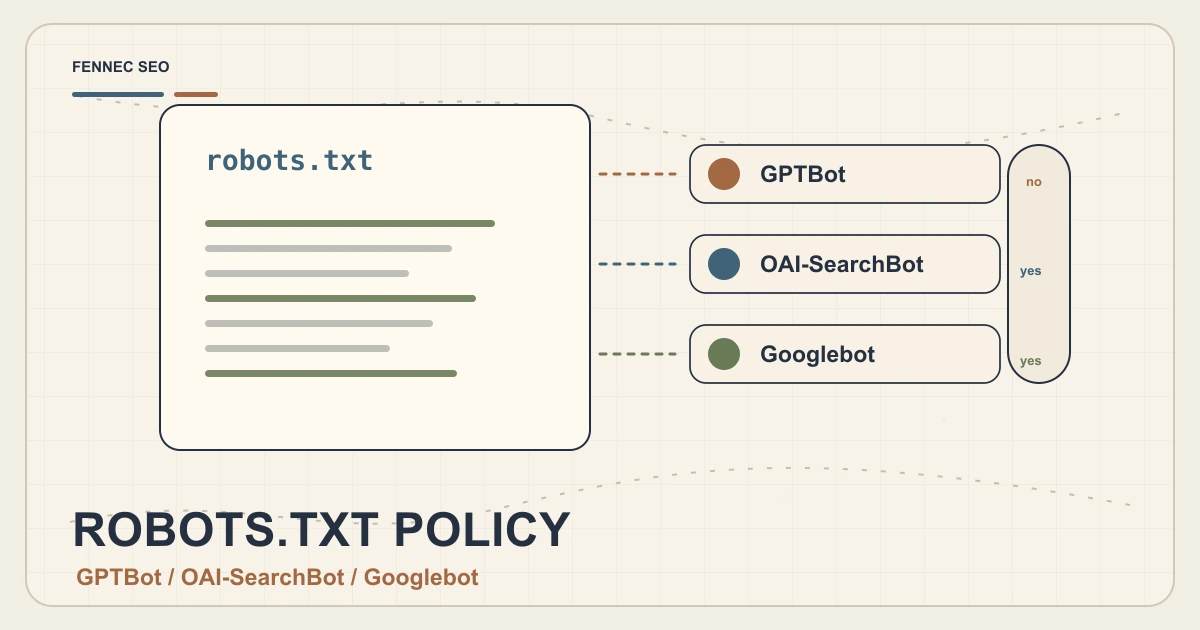
OpenAI’s crawler documentation distinguishes crawlers such as GPTBot, OAI-SearchBot, and ChatGPT-User. Google documents Googlebot and crawler verification separately.
The same robots rule should not automatically apply to every crawler.
Build A Policy Matrix
Before editing robots.txt, create a policy matrix:
| Content type | Search engines | AI search crawlers | Training crawlers | User agents |
|---|---|---|---|---|
| Public blog posts | Allow | Usually allow | Decide | Allow |
| Product pages | Allow | Allow | Decide | Allow |
| Docs | Allow | Allow | Decide | Allow |
| Pricing | Allow | Allow | Decide | Allow |
| Private app URLs | Disallow | Disallow | Disallow | Disallow |
| Staging URLs | Disallow | Disallow | Disallow | Disallow |
This prevents emotional crawler decisions from breaking search visibility.
robots.txt Examples
Allow normal crawling, block a training crawler:
User-agent: GPTBot
Disallow: /

User-agent: *
Allow: /
Block private paths for all crawlers:
User-agent: *
Disallow: /app/
Disallow: /admin/
Disallow: /checkout/
Keep sitemap discovery clean:
Sitemap: https://example.com/sitemap.xml
Always validate your own policy with a robots.txt checker before deployment.
Do Not Hide Public SEO Content By Accident
Common mistakes:
- Blocking
/blog/while trying to block/app/ - Disallowing all AI crawlers without understanding search impact
- Blocking CSS or JavaScript needed to render content
- Shipping staging robots.txt to production
- Forgetting separate mobile or language paths
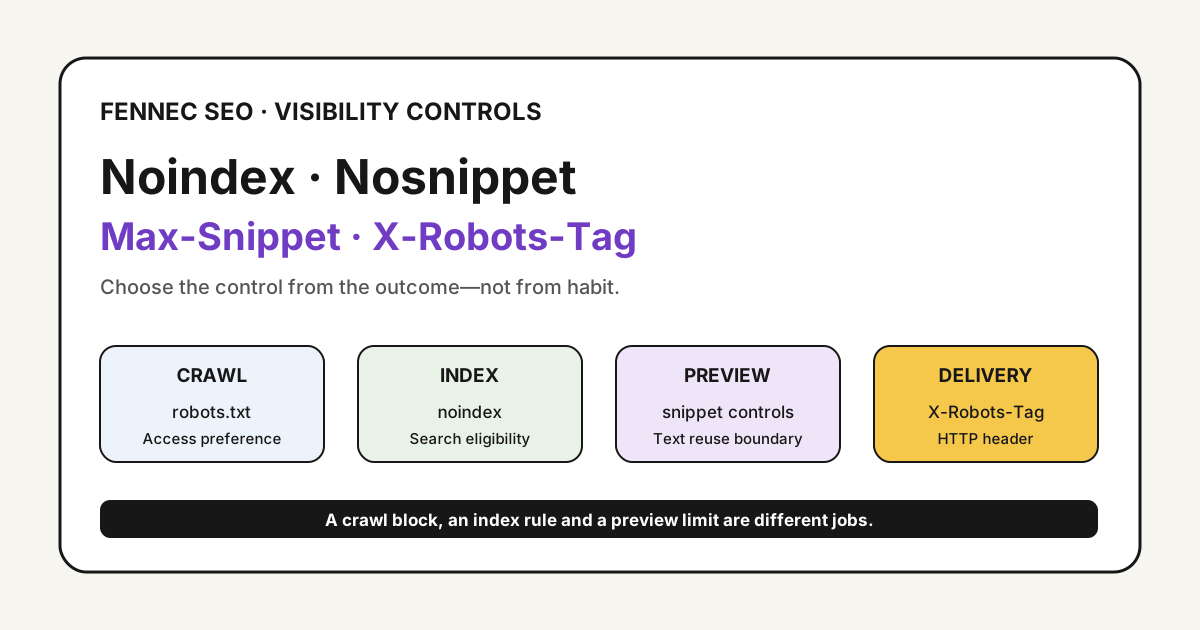
- Using noindex and robots.txt together incorrectly
If Google cannot crawl a noindex tag because robots.txt blocks the page, the signal may not be seen.
Verify With Logs And Simulation
robots.txt is only one layer.
Check:
- Server logs for user agents
- Reverse DNS or verification guidance where available
- HTTP status by crawler
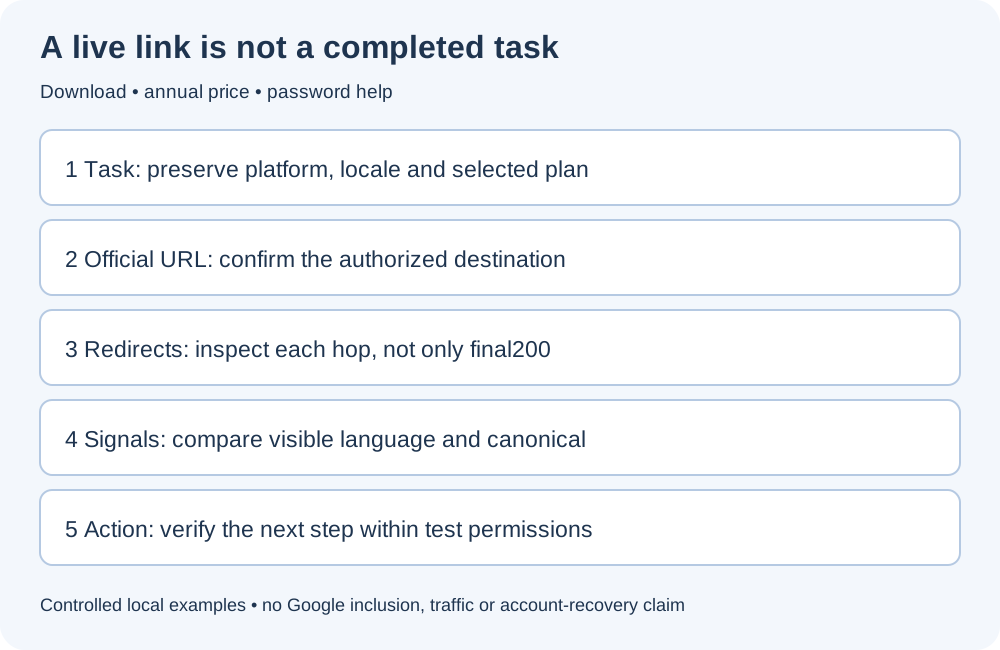
- Redirect behavior
- Rendered content
- Canonical tags
- Meta robots
Fennec’s Bot Simulator can help compare how different user agents receive a page. Pair it with the link checker and technical SEO audit when reviewing high-value pages.
Watch Server Cost
AI crawler traffic can create real server load. If a crawler hits too aggressively, consider:
- Rate limiting
- CDN bot controls
- Caching
- Narrower allow rules
- Separate rules for large media
- Monitoring by user agent
Do not use robots.txt as the only cost-control system. It is voluntary and does not stop bad actors.
A Practical Decision Framework
Use these questions:
- Does this crawler support search visibility we care about?
- Is the content public and intended to be discovered?
- Are there licensing or commercial reasons to restrict reuse?
- Is crawler traffic causing performance or cost problems?
- Can we verify the crawler identity?
- Can we monitor the outcome after changing rules?
If the answer is unclear, test on a limited path before applying sitewide rules.
Takeaway
AI crawler SEO is not “allow everything” or “block everything.”
Separate search discovery, training use, user-triggered access, and private content. Then write robots.txt rules that match your business goals and validate them with logs, simulation, and technical audits.
Control is good. Accidental invisibility is expensive.