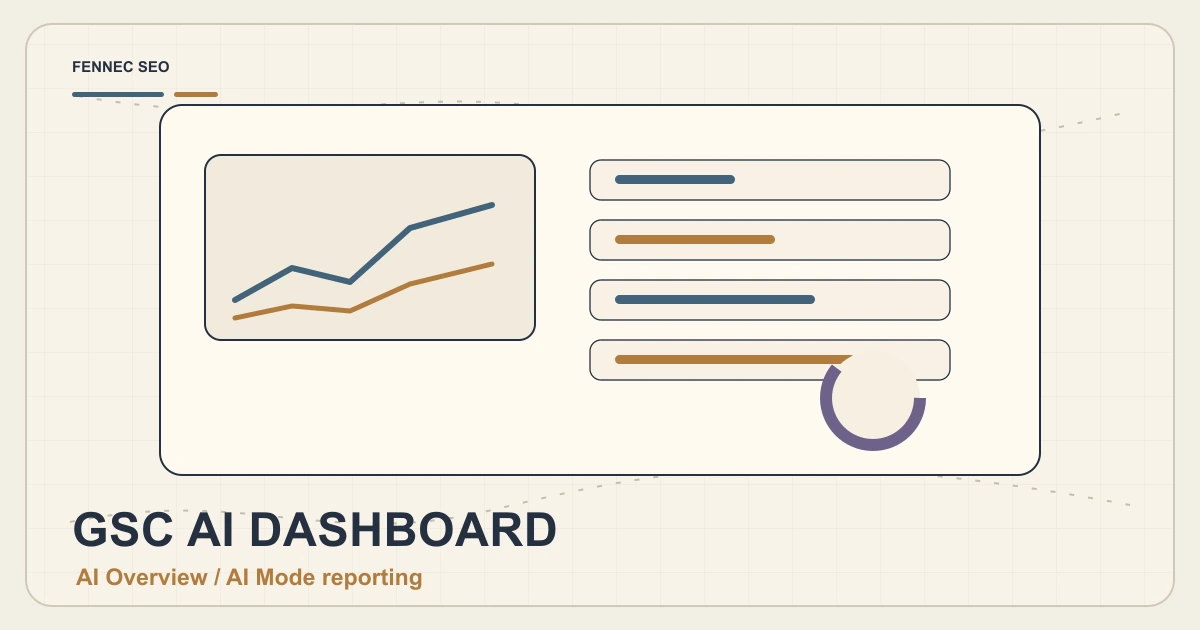

Google Search Console reporting for generative AI experiences gives SEO teams a new habit: measure AI search visibility as part of normal search performance, not as a side project.
The first mistake is trying to build a perfect AI attribution dashboard. That is not realistic. AI Overviews, AI Mode, normal web results, branded follow-up searches, and direct visits all influence the same journey.
The better first dashboard answers a narrower question:
Which pages are becoming useful sources in AI-shaped search, and what should we improve next?
This guide shows the dashboard I would build first for a small team using Fennec SEO’s GSC management workflow, page audits, and content refresh notes.
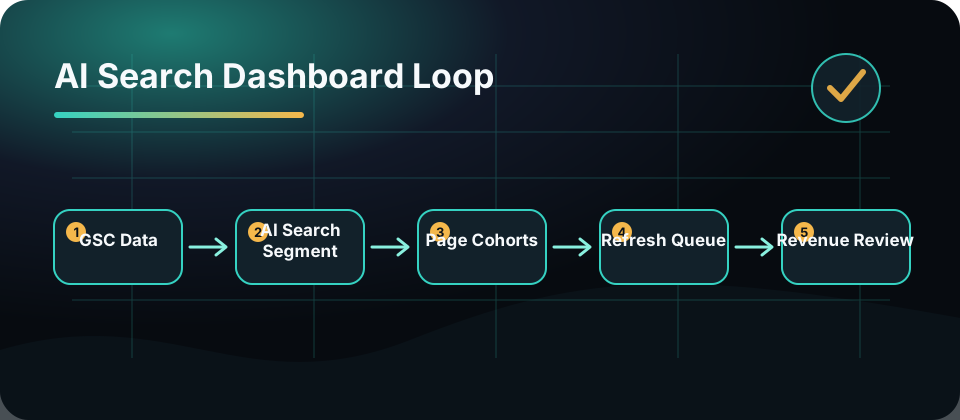
Why This Dashboard Matters Now
Google’s Search Central update on performance reporting for generative AI experiences makes one thing clear: AI search performance belongs in Search Console reporting.
That does not mean you should throw away classic SEO metrics. Google’s AI optimization guide says generative AI features are rooted in core Search ranking and quality systems.
So the dashboard should connect both worlds:
- Search visibility
- AI search exposure
- Page eligibility
- Content quality
- User actions
- Editorial decisions
If a page gains generative AI visibility but fails to convert, you need to know whether the problem is the snippet, the page, the offer, or the search intent.
The First Five Metrics
1. Generative AI Impressions
Track which pages are gaining exposure in generative AI experiences. Treat impressions as a source-quality signal, not a vanity metric.
For each page, add a note:
- Primary intent
- Target audience
- Current content age
- Last major refresh
- Related product or tool page
This turns a number into an editorial decision.
2. Clicks From AI Search Surfaces
Clicks may be lower when AI answers satisfy part of the query on the results page. That does not automatically mean failure.
Ask:
- Did the page answer a question that earns trust?
- Did branded searches increase later?
- Did users reach a tool, install page, or pricing page?
- Did the page get cited or mentioned elsewhere?
AI search changes the shape of clicks. It does not remove the need to evaluate value.
3. Queries That Reveal Fan-Out Intent
Group queries into intent clusters:
| Intent | Example | Best response |
|---|---|---|
| Problem | ”why is my page missing from AI overview” | Diagnostic checklist |
| Method | ”how to measure AI search visibility” | Workflow guide |
| Tool | ”AI SEO audit tool” | Product-led audit page |
| Comparison | ”GEO vs SEO” | Clear framework |
| Risk | ”should I block GPTBot” | Robots and crawler policy |
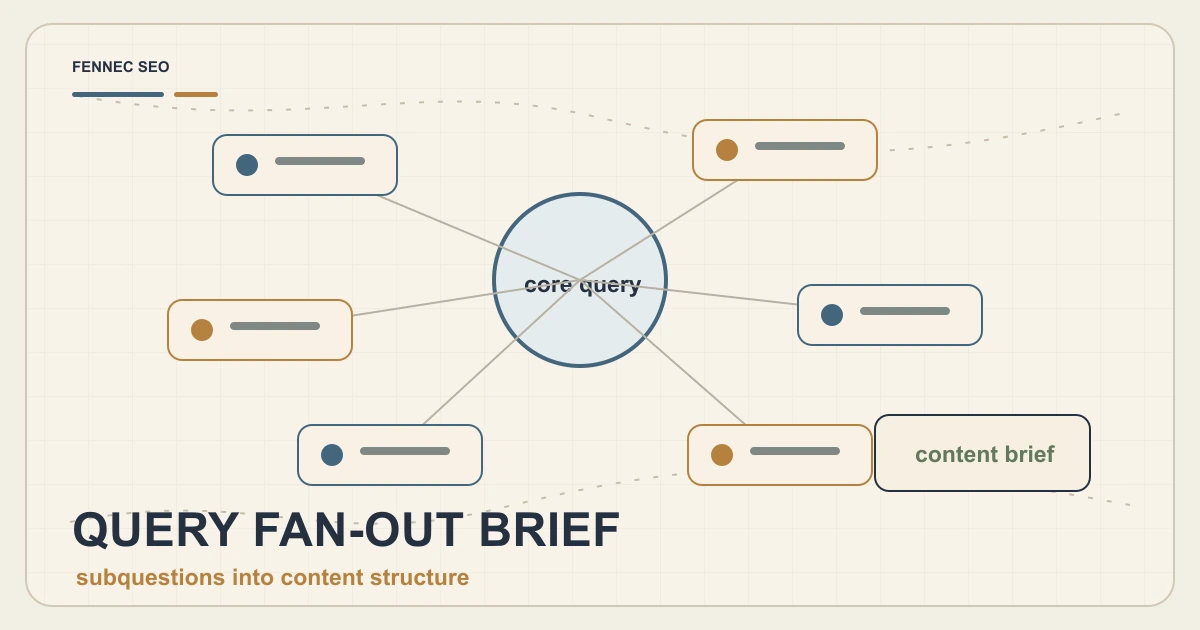
This is where AI search reporting becomes content strategy. Query fan-out means one user problem may trigger many related searches. Build pages that cover the decision path, not only the head term.
Page-Level Health Checks
Visibility is only useful if the page is eligible and understandable.
For each page in the dashboard, run a short technical check:
- HTTP status is 200
- Canonical points to the intended URL
- Title and meta description match the search intent
- H1 is unique and descriptive
- Main content appears in rendered HTML
- Internal links point to the next useful page
- Structured data is valid when relevant
- Mobile layout exposes the primary content quickly
Use Fennec SEO’s audit tool or the Chrome extension to keep this check lightweight. For pages with JavaScript rendering risk, compare the rendered page against the raw HTML using a crawler or bot simulation.
Add A Content Refresh Layer
A dashboard without editorial notes becomes a graveyard of numbers.
Add four fields beside each important page:
| Field | Why it matters |
|---|---|
| Refresh reason | Connects data to action |
| Source update | Tracks whether Google or product guidance changed |
| Internal link added | Builds the cluster |
| Next check date | Keeps the habit alive |
The refresh reason should be specific:
- “AI impressions rose but clicks fell”
- “New query cluster around OAI-SearchBot”
- “Schema guidance changed”
- “Page ranks but does not mention product workflow”
That level of detail helps the next editor understand why the page changed.
The Dashboard Views I Would Build
View 1: AI Search Watchlist
Include only high-value pages:
- AI Overview guides
- Technical SEO checklists
- Bot and crawler explainers
- Schema pages
- Product-led audit workflows
This prevents the dashboard from becoming noisy.
View 2: Refresh Queue
Sort by pages that have:
- Rising impressions
- Falling clicks
- Old sources
- Weak titles
- Missing internal links
- New related queries
This is the action view.
View 3: Conversion Support
Track whether AI search pages drive meaningful next steps:
- Audit started
- Chrome extension page visited
- GSC management page visited
- Pricing page viewed
- App download page visited
- Newsletter or contact action
Do not judge AI search only by first-click revenue. Judge whether it moves qualified readers toward a useful action.
Internal Links To Add
For Fennec SEO, the first AI search dashboard should connect to:
- AI Overview optimization
- GSC management
- Bot simulator
- Schema markup
- Technical SEO audit
- Core Web Vitals
These links make the cluster easier for users and crawlers to understand.
A Simple Weekly Workflow
Use this 30-minute routine:
- Open the AI Search Watchlist.
- Find pages with meaningful impression or query changes.
- Run a page-level audit on the top three pages.
- Choose one page to refresh.
- Add one internal link or source update.
- Record the reason and next check date.
The goal is not to chase every AI feature. The goal is to keep your best pages technically eligible, accurate, and easy to cite.
Takeaway
The first AI search dashboard should not be a museum of screenshots. It should be an operating system for better pages.
Start with Search Console generative AI reporting, then add page health, query intent, content freshness, and conversion support. That gives your team a practical way to answer the only question that matters every week:
Which page should we improve next, and why?