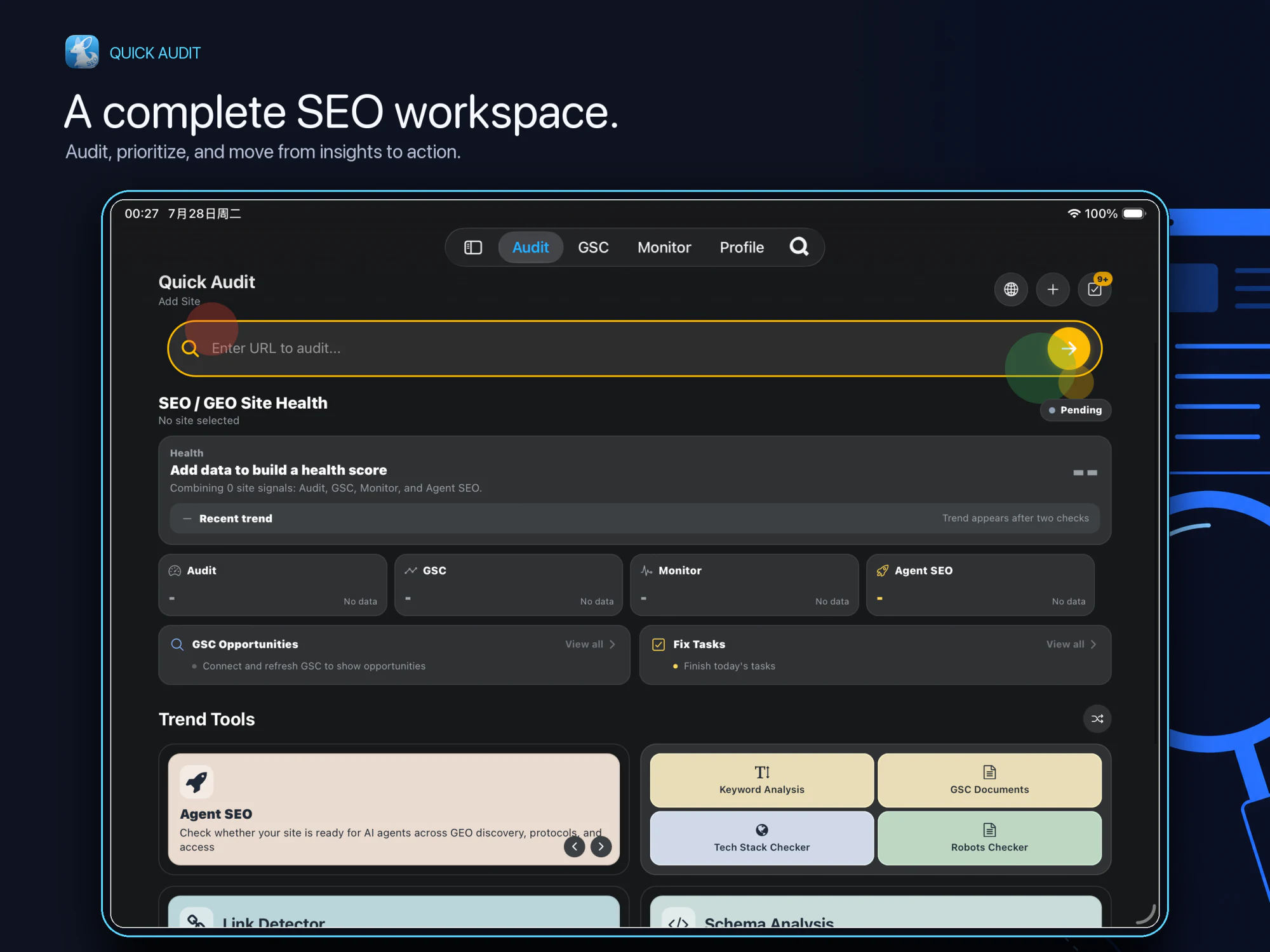
Site Health overview
See Audit, GSC, Monitoring, and Agent SEO status together, then focus on the signals that need attention.
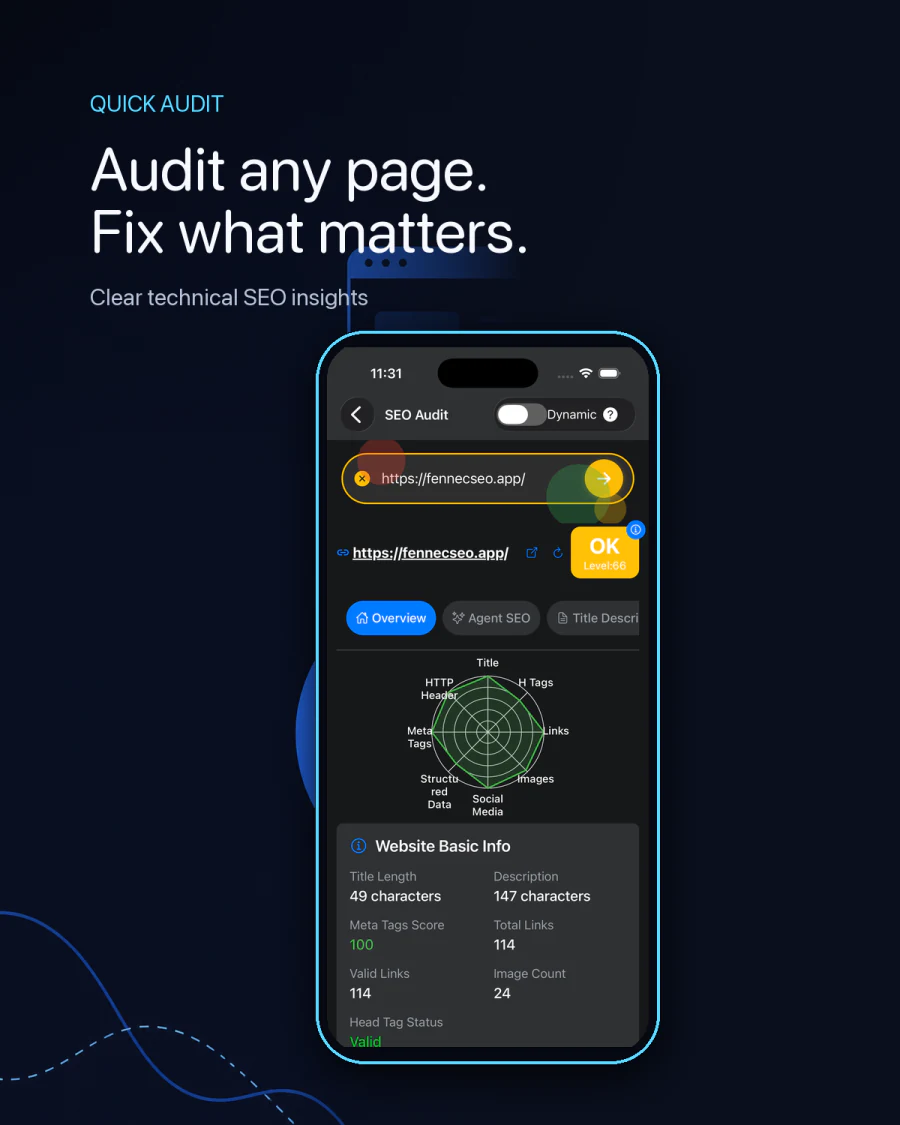
Check the technical and on-page signals that affect crawlability, indexability, content quality, and search visibility—then turn findings into a focused fix list.
Fennec SEO 1.2 brings Audit, Google Search Console, Monitoring, and Agent SEO into one view so you can move from site health signals to prioritized action.
Download Fennec SEO App



Fennec SEO mobile app
Move from a quick page check to ongoing site health management without leaving the app. Fennec SEO connects technical audits, Search Console data, monitoring, and AI-readiness checks in one cross-device workflow.
See Audit, GSC, Monitoring, and Agent SEO status together, then focus on the signals that need attention.
Inspect conventional pages, JavaScript-rendered experiences, source code, issue summaries, and score trends.
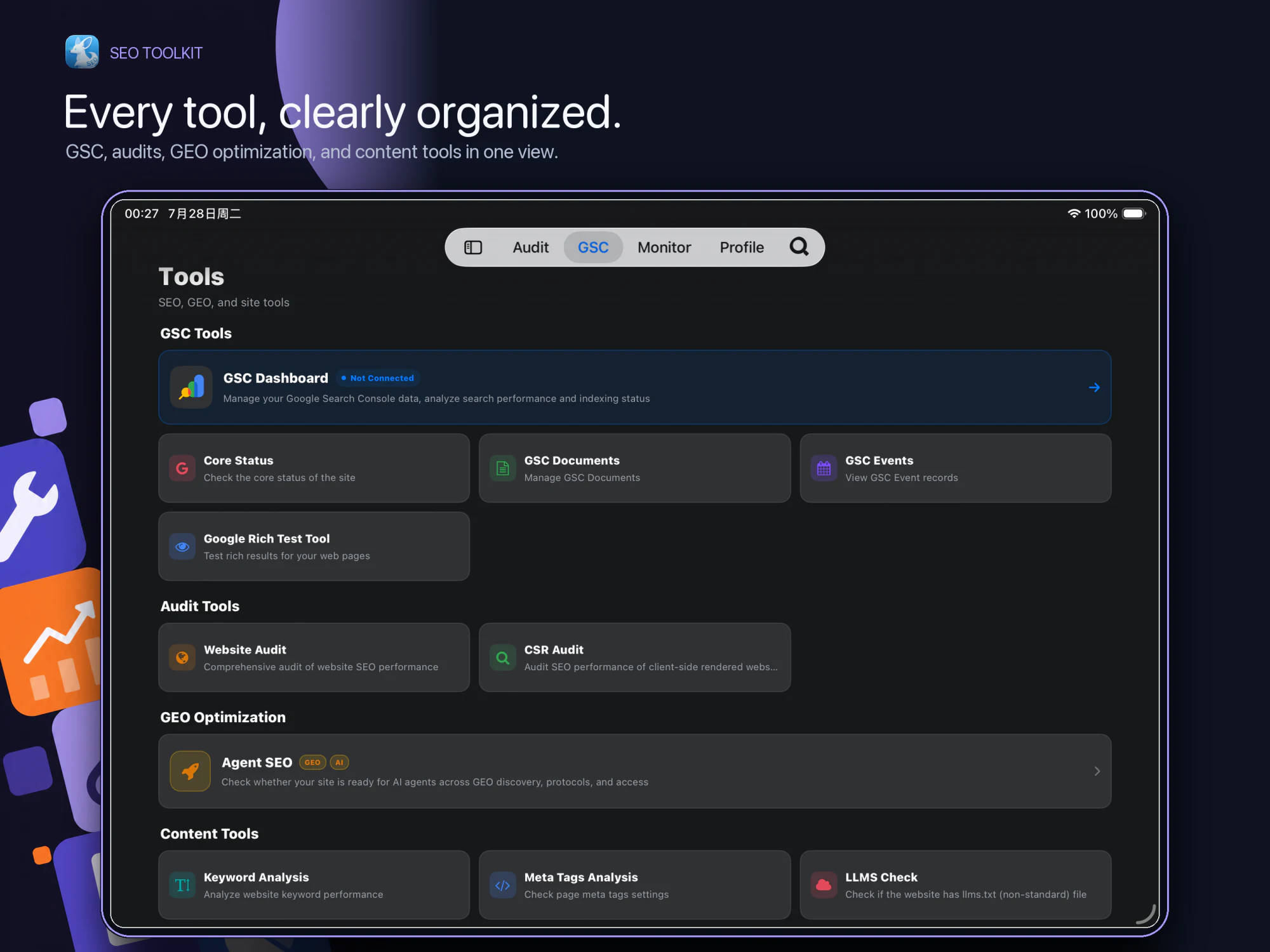
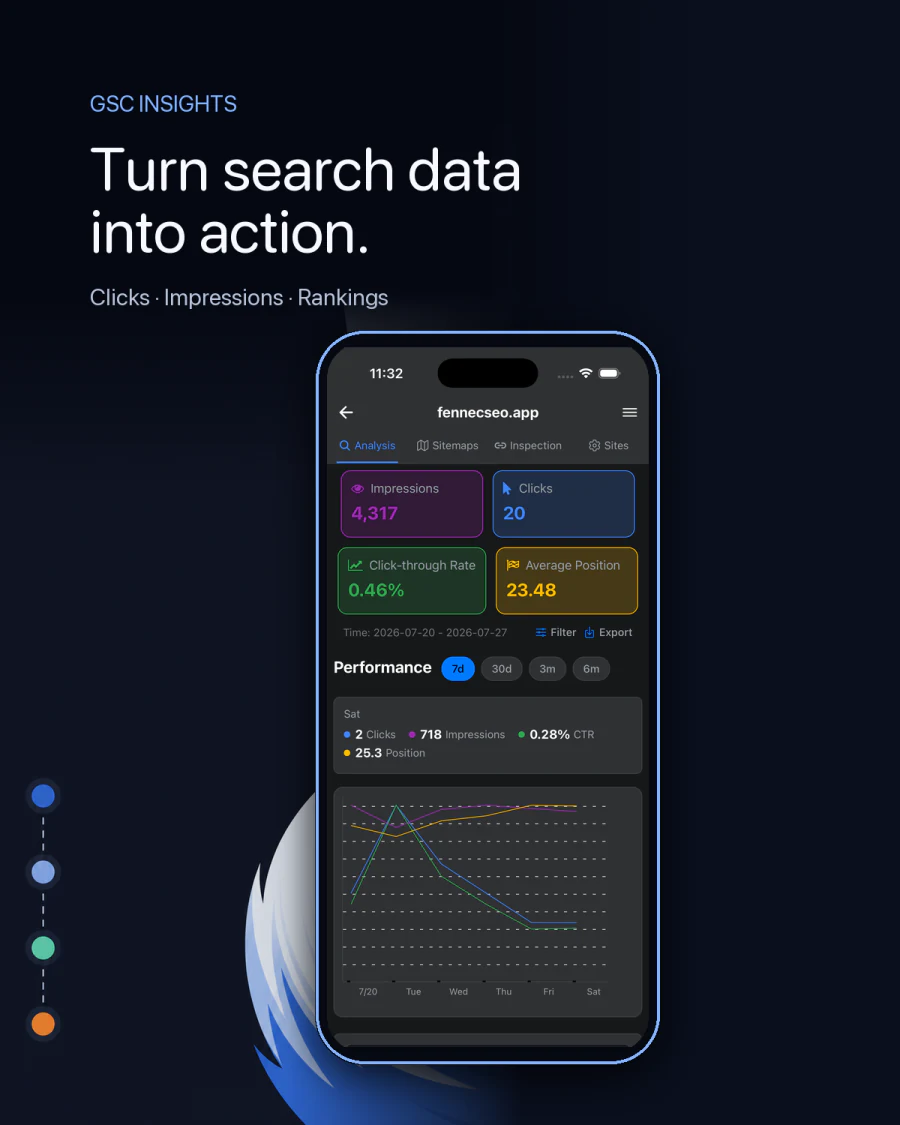
Find low-CTR queries, striking-distance rankings, declining pages, indexing issues, and sitemap actions.
Schedule checks, review monitoring history, run an immediate recheck, and receive abnormal-status alerts.
Evaluate AI discoverability, crawler access, GEO readiness, and prioritized recommendations for improvement.
Manage multiple sites with layouts, forms, navigation, reports, and exports optimized for every screen.
A technical score is a triage aid. It does not prove that a page is helpful, that Google will index it, or that a ranking change came from one flagged item.
New in v1.2.1
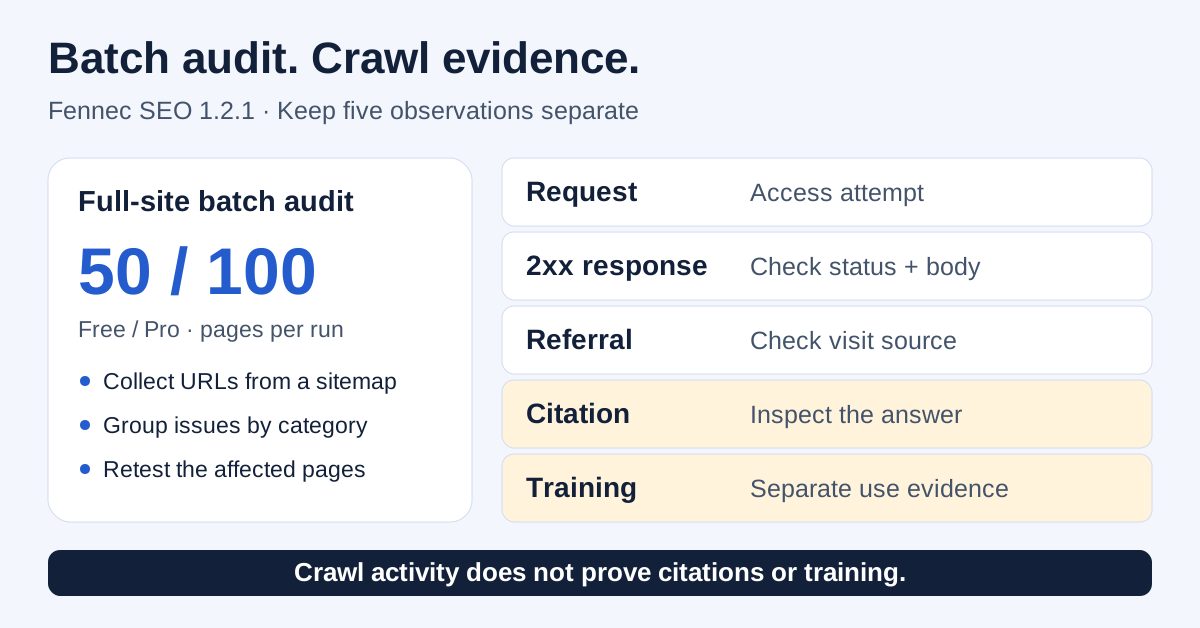
Classic audits sample a few URLs. The new batch audit pulls every URL from your sitemap — including sub-sitemaps — and audits up to 50 pages per run (100 for Pro) in one pass, with concurrency for speed.
Start with the full Google SEO process, use the audit checklist to turn findings into evidence, fix indexing blockers before shipping broad rewrites, and confirm impact in Search Console after release.
Pillar guide
Use the broader workflow to decide whether the issue is technical, content, internal linking, or measurement before acting on an audit score.
Evidence queue
Translate tool findings into a prioritized checklist with validation steps, limits, and handoff-ready notes.
Indexing follow-up
When the audit exposes crawl, rendering, canonical, or noindex issues, use the indexing workflow before changing unrelated content.
Impact validation
Check whether impressions, query mix, CTR, and canonical ownership actually improved after the fixes go live.
Working template
Download the worksheet to log the affected URL, earliest failed gate, owner, and validation date before you turn tool warnings into release work.
Worked example
See one bilingual Fennec-owned page pair checked end to end so release facts, routing signals, and later Search Console validation stay clearly separated.
We use cookies to enhance your experience. By continuing to visit this site you agree to our use of cookies.