Mobile-First Indexing Meets AI Agents: Audit Content Parity Before New Protocols

Most Agent SEO conversations jump quickly to newer discovery signals: llms.txt, Link headers, API catalogs, MCP metadata, or authentication files.
That is often the wrong order.
Before you add another protocol, check the mobile version of the page.
Google still uses the mobile version of a site’s content for indexing and ranking. At the same time, AI agents increasingly depend on the rendered DOM, semantic structure, and accessible interaction states that often break first on smaller screens.
That makes mobile parity a shared foundation for classic SEO and Agent SEO.
This article gives you a practical audit for that overlap.
Use it with Technical SEO, Bot Simulator, Core Web Vitals, Schema Markup, and the Agent SEO audit when you need to decide whether a page is ready for both Google indexing and agent use.
Why This Still Starts With Mobile
Google’s current mobile-first indexing guidance is clear: indexing and ranking come from the mobile version of the page. Google’s newer AI search guidance is also conservative: generative AI visibility still depends on the same core Search systems and technical requirements.
So if your mobile page is weaker than desktop, you do not just have a UX problem. You can also create:
- thinner indexed content
- weaker metadata and structured data signals
- broken image understanding
- missing internal links
- poorer task completion for agents on forms or product flows
OpenAI’s publisher guidance adds a second layer: if you want public pages considered for ChatGPT search summaries and snippets, do not block OAI-SearchBot. That does not replace Google’s mobile-first rules. It sits beside them.
The practical conclusion is simple:
Do not treat mobile-first indexing and AI agent readiness as separate audits.
Start with one parity review.
The Shared Failure Pattern
Teams usually think the desktop page is the “real” page and the mobile page is a compressed version.
That mindset creates predictable problems:
- key comparison text is shortened on mobile
- FAQ-style answer blocks are moved into carousels that require interaction to load
- internal links disappear behind menu logic
- schema is injected only on desktop templates
- title, description, or image markup diverges across device variants
- checkout, sign-up, or demo-request flows become harder on mobile
Google documents this directly: mobile can use a different design, including accordions or tabs, but the primary content should remain equivalent. For agent workflows, the equivalent rule is that the task should still be understandable and operable without guessing.
That is why the parity audit should cover both content and actions.
Mobile-Agent Parity Matrix
Use this table on every priority URL.
| Signal to compare | Why Google cares | Why agents care | What to verify |
|---|---|---|---|
| Primary copy | Google indexes the mobile version | Agents need the same answer and supporting context | H1, summary, comparison points, pricing logic, and conclusion match desktop intent |
| Headings and lists | Clear structure helps indexing and snippet extraction | Agents use structure to segment tasks and evidence | H1/H2s, numbered steps, tables, and bullets are preserved on mobile |
| Structured data | Google asks for the same structured data on both versions | Agents and validators rely on page-type clarity | Article, Breadcrumb, Product, Organization, or SoftwareApplication markup is present and consistent |
| Metadata | Equivalent title and description reduce ambiguity | Shared metadata supports page identification and previews | title, meta description, canonicals, hreflang, and OG basics are aligned |
| Images and alt text | Image indexing depends on stable URLs and descriptive context | Agents may rely on alt text and captions when interpreting visuals | Same important images, alt text, captions, and filenames where relevant |
| Links and navigation | Missing HTML links weaken discovery | Agents need crawlable, obvious paths to continue the task | Key links exist in mobile HTML and are not hidden behind fragile JS-only behavior |
| Forms and CTAs | Google evaluates the mobile experience and rendering | Agents need visible labels, states, and clear submit actions | Inputs, labels, error states, and buttons remain usable on mobile |
If a page fails three or more rows, adding another discovery protocol will usually not be the bottleneck.
A 6-Step Audit Workflow
1. Compare the canonical URL on desktop and mobile
Start with the page you actually want indexed and cited.
Check:
- the canonical URL returns
200 - mobile and desktop load the same intended page
- there is no mobile redirect to an unrelated or simplified target
- the page is not blocked by
robots.txt,noindex, or asset restrictions
Use Audit and Canonical Checker first. If the mobile URL or rendering path is wrong, the rest of the audit is noise.
2. Compare raw HTML and rendered DOM
This is where many parity problems show up.
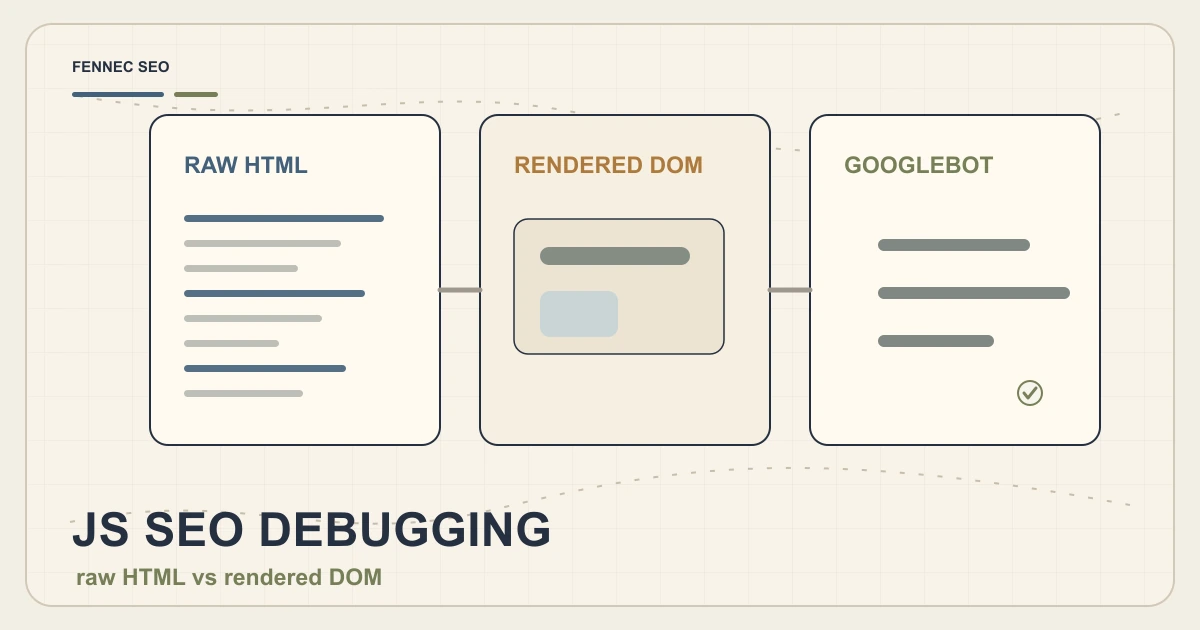
Google’s JavaScript SEO documentation still works in three phases: crawling, rendering, then indexing. If the mobile page depends on interaction before primary content appears, Google may not get the same information and agents may not either.
Review:
- raw HTML
- rendered DOM
- mobile viewport screenshot
- desktop viewport screenshot
This is the same debugging loop used in JavaScript SEO debugging and How to test AI crawlers.
3. Check content equivalence, not visual sameness
Do not ask whether the desktop and mobile pages look identical.
Ask whether they express the same information.
Good mobile adjustments:
- accordions that keep content in the DOM
- tabbed layouts that preserve headings and core copy
- shorter intros that keep the main answer intact
- responsive tables that remain readable
Risky mobile adjustments:
- loading primary sections only after tap or swipe
- removing important comparisons, disclaimers, or pricing qualifiers
- hiding internal links that explain the next step
- replacing descriptive images with vague cropped versions
For AI-oriented pages, parity especially matters for definitions, comparison tables, implementation steps, and limitations.
4. Validate metadata, schema, and image context
Google specifically calls out parity for structured data, title elements, meta descriptions, and image context.
Review the mobile page for:
- equivalent
titleand meta description - the same structured data types and key properties
- stable image URLs where possible
- matching alt text and captions for important visuals
- consistent organization, author, and product naming
This is where Schema Markup and Breadcrumb schema discipline matter more than adding stale FAQ promises.
For normal articles, keep the page aligned with durable types such as Article and BreadcrumbList. If the page is about a tool or product workflow, Product or SoftwareApplication may be relevant only when the visible page content supports that.
5. Test the mobile interaction path like an agent would
web.dev’s agent-friendly site guidance emphasizes the accessibility tree as a high-signal map of roles, names, and states. On mobile, that becomes even more important because the screen is tighter and interaction surfaces collapse.
Test whether the mobile page still exposes:
- meaningful button names
- visible form labels
- predictable error states
- keyboard and focus-safe dialogs
- unobstructed primary actions
- stable content without layout jumps
This is the overlap between Agent-friendly website audit checklist and Core Web Vitals. If a human mobile user struggles to finish the task, an agent is unlikely to do better.
6. Only then review newer agent discovery layers
Once the page passes parity, review the optional layers:
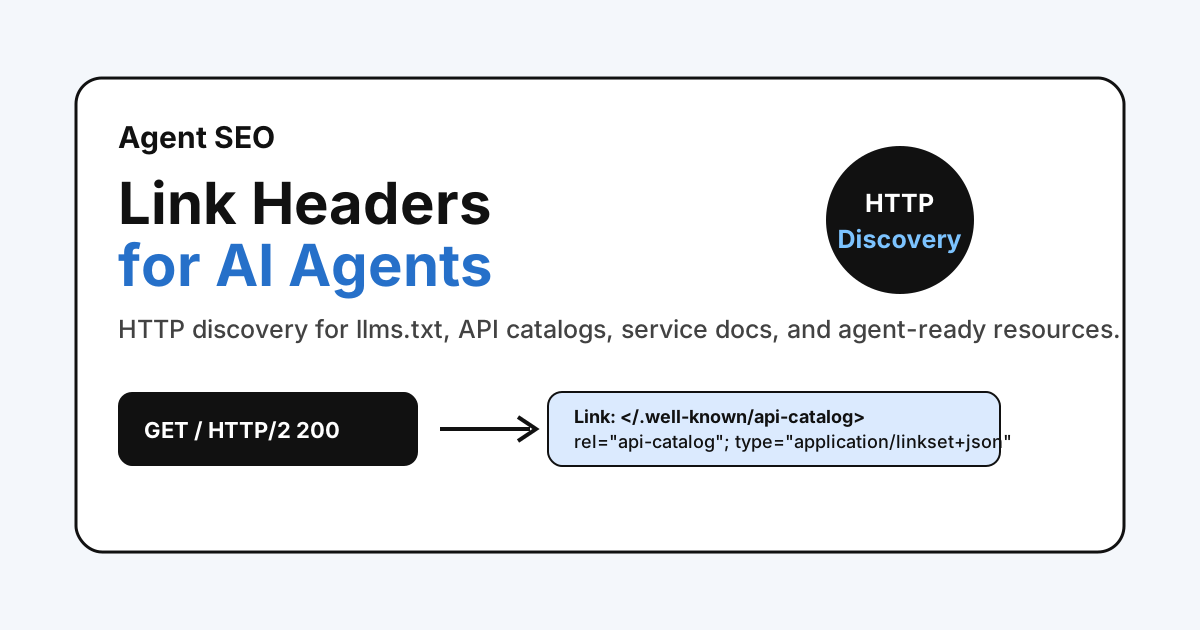
llms.txt- Link headers for AI agents
- Content Signals
- API catalog or MCP discovery where the site has real callable capabilities
Those can improve machine discovery. They do not repair a thin mobile page.
Special Cases: Responsive vs Separate Mobile URLs
Most teams should prefer responsive design because Google explicitly recommends it as the simplest pattern to implement and maintain.
If your site still uses dynamic serving or separate mobile URLs, the audit needs extra checks:
- same robots directives on both versions
- same primary content and headings
- same structured data intent
- equivalent error-page behavior
- correct mobile-to-mobile and desktop-to-desktop
hreflang - no fragment-based mobile URLs
- no many-to-one redirects that collapse distinct desktop pages into one mobile URL
These legacy setups are where parity regressions become expensive.
What To Fix First
Use this priority order:
- Missing or reduced primary mobile content
- Blocked or broken rendering resources
- Missing metadata or structured data on mobile
- Broken mobile forms, CTAs, or navigation
- Image and alt-text mismatches
- Optional agent discovery gaps
This order reflects both Google’s mobile-first documentation and the practical reality of agent workflows.
A Simple Weekly Checklist
Run this review on priority templates and top URLs:
- Pick one revenue page, one product or feature page, and one knowledge page.
- Compare mobile and desktop H1, summary, schema, metadata, and key links.
- Check raw HTML and rendered DOM with Bot Simulator.
- Verify layout stability and interaction flow with Core Web Vitals.
- Confirm agent-facing discovery only after parity is clean.
If you find a mismatch, fix the template before you add another AI SEO asset.
Next Action With Fennec
Choose one page that already matters in Search Console.
Run a parity review in this order:
- Audit for indexability and canonical checks
- Bot Simulator for raw HTML, rendered DOM, and mobile comparison
- Technical SEO for rendering and internal-linking issues
- Schema Markup for durable page-type validation
- Agent SEO audit only after the mobile page is equivalent
If the page passes, then discovery work like Link headers or API catalogs is more likely to pay off. If it fails, fix the mobile page first.
Sources
- Google Search Central: Mobile site and mobile-first indexing best practices
- Google Search Central: Optimizing for generative AI features on Google Search
- Google Search Central: JavaScript SEO basics
- web.dev: Build agent-friendly websites
- OpenAI Help Center: Publishers and developers FAQ
Q&A
Do AI agents make mobile-first indexing less important?
No. Google's indexing and ranking still come from the mobile version of the page, and many agent-readiness problems also show up first in the mobile layout, DOM, and interaction flow.
Is responsive design required?
No, but Google recommends responsive design because it is easier to maintain the same HTML, metadata, and structured data across devices.
Can mobile pages use accordions or tabs?
Yes, if the primary content is still equivalent to desktop. The risk starts when important content loads only after user interaction or disappears from the mobile version entirely.
Should I fix Link headers or mobile parity first?
Fix parity first. New discovery layers help less if Google's mobile crawler or a task-oriented agent sees thinner content, broken forms, or missing metadata on mobile.