Fennec SEO App and Chrome Extension: Which One Should You Install?

If you search for Fennec SEO today, you will find three different store labels for the same product family.
- The iPhone listing is currently SEO Checker-Site Audit & Rank on the App Store.
- The Android listing is currently AI SEO Checker-Site Audit GSC on Google Play.
- The browser product is Fennec SEO Auditor on the Chrome Web Store.
So the useful question is not “Did Fennec launch?” It already did. The useful question is which surface matches your workflow right now.
Direct Answer
Install the mobile app if you want mobile audits, Google Search Console access, and AI-assisted query analysis. Install the Chrome extension if you want a fast page-level audit while browsing a live page, SERP, or competitor site. If you regularly do both, the cleanest setup is to keep the extension for page inspection and the app for account-level monitoring and follow-up work.
Current Availability at a Glance
The table below uses current first-party store pages checked on August 5, 2026.
| Surface | Current store label | Current version evidence | Best for | Important limits |
|---|---|---|---|---|
| iPhone app | SEO Checker-Site Audit & Rank | App Store version history lists v1.2.0 as of August 5, 2026 | Mobile audits, GSC workflows, AI query analysis, Agent SEO checks | The listing is now Designed for iPad, so this is no longer presented as an iPhone-first companion only |
| Android app | AI SEO Checker-Site Audit GSC | Google Play shows updated July 29, 2026 | Mobile SEO checks, GSC management, AI-assisted search analysis | Store naming still differs from iPhone and website naming, so users may not immediately realize it is the same product family |
| Browser extension | Fennec SEO Auditor | Chrome Web Store shows v1.0.2, updated May 25, 2026 | Real-time page inspection in the browser side panel | Designed for the current page and browser context, not a substitute for account-level GSC work |
That mismatch in store names is the first thing this page needed to make explicit. Without it, the old launch copy read like one unified product card even though the public distribution surfaces now present different names and strengths.
What the Mobile App Is Actually For
The mobile app is the better choice when your workflow starts with a site or account, not a single tab.
The current Google Play listing describes the app around three practical jobs:
- technical SEO audits,
- Google Search Console management,
- and AI-assisted analysis of GSC data.
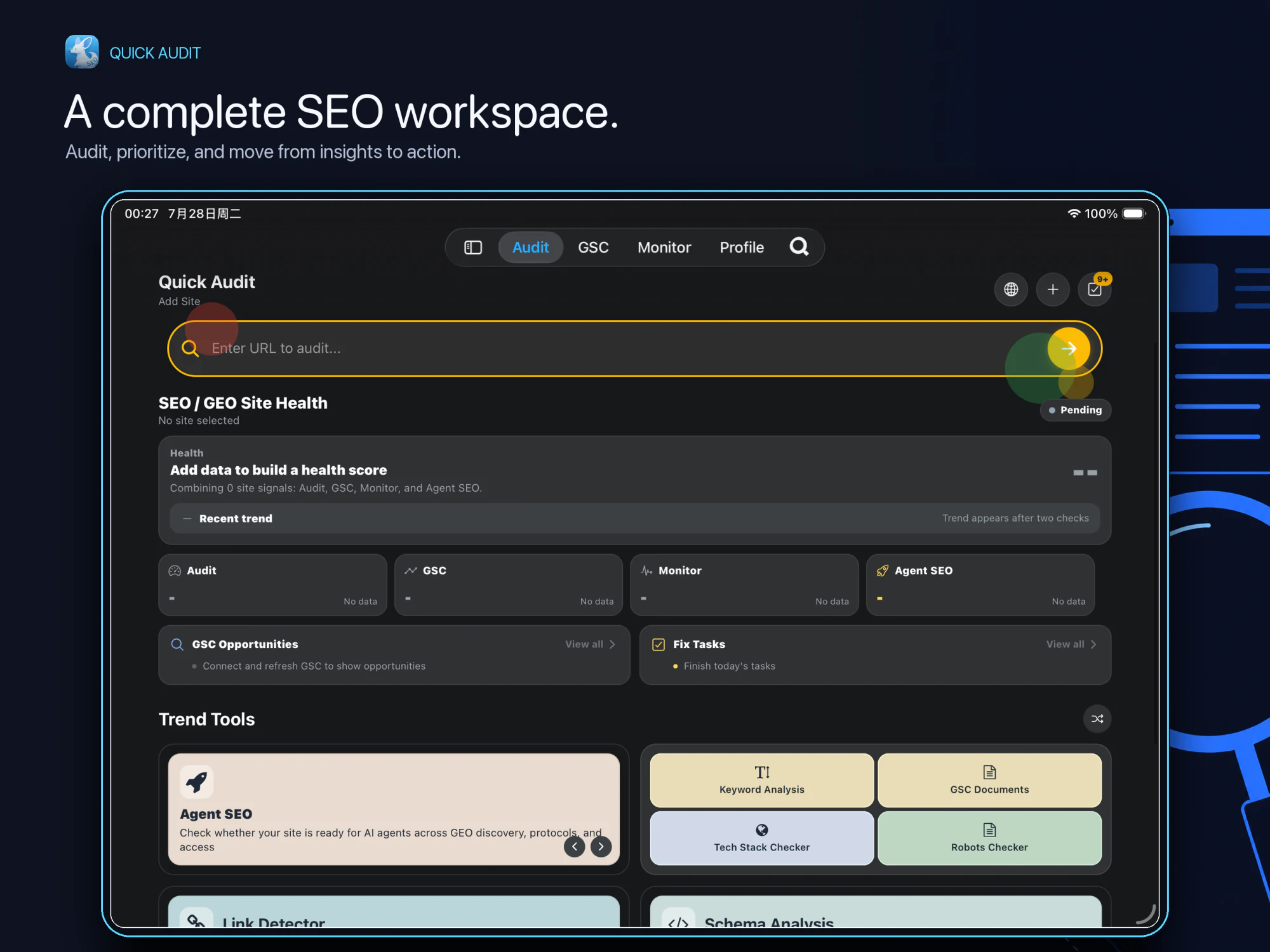
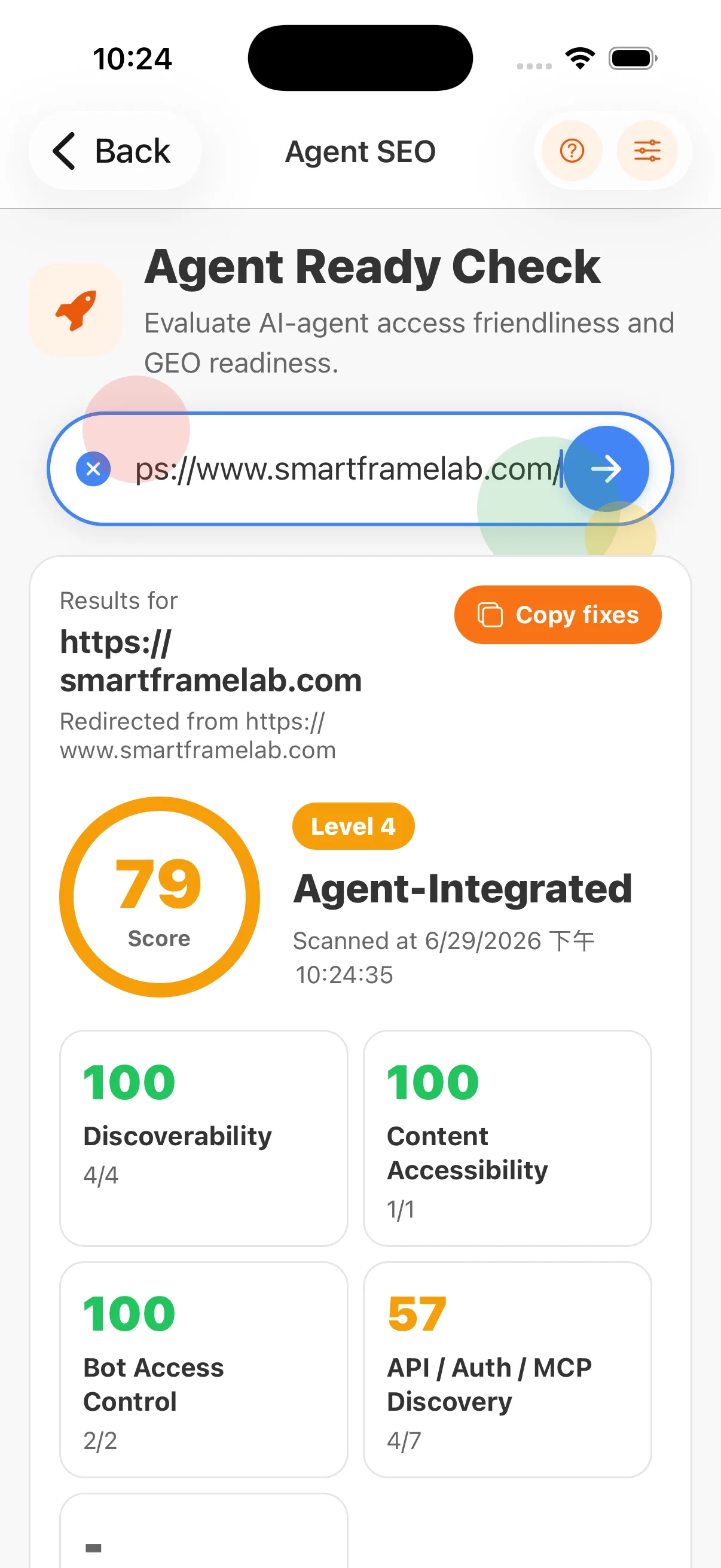
The current App Store listing and version history now show v1.2.0. The latest release article, Fennec SEO 1.2.0: Site Health, GSC Opportunities, and Full iPad Support, adds the product-level context missing from the store snippets: Site Health, GSC Opportunities, fix-task summaries, integrated Agent SEO checks, monitoring improvements, and the new iPad workflow now sit inside one broader app surface. For the dedicated Agent SEO walkthrough, the earlier FennecSEO App v1.1.0: Agent SEO Ready Checks for AI Search and GEO still gives the deeper category-by-category explanation.
Choose the app first if you need:
- GSC-connected monitoring instead of one-page inspection,
- mobile-first SEO checks while away from the desktop,
- AI-assisted query and performance questions,
- or the broader current workflow documented in the v1.2.0 release page and the deeper v1.1.0 Agent SEO guide.
What the Chrome Extension Is Actually For
The extension is the better choice when your workflow starts with the page already open in the browser.
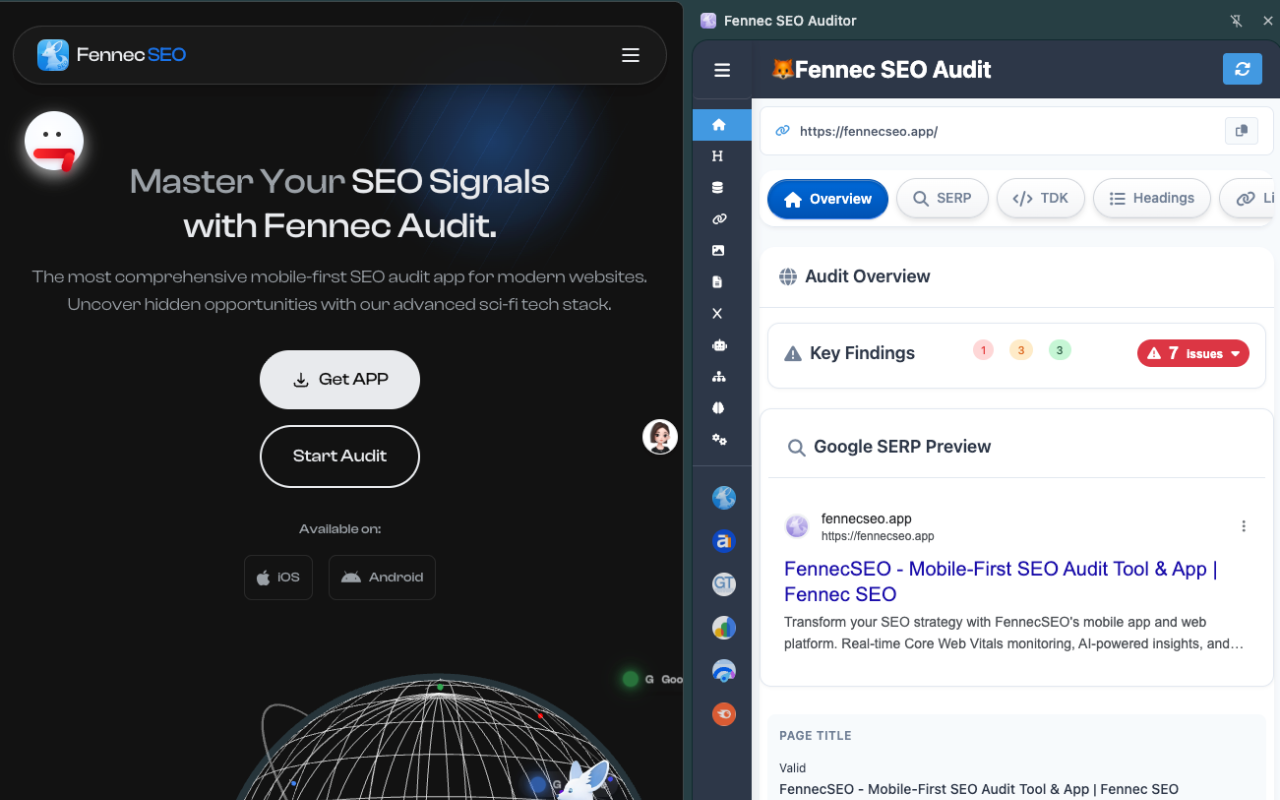
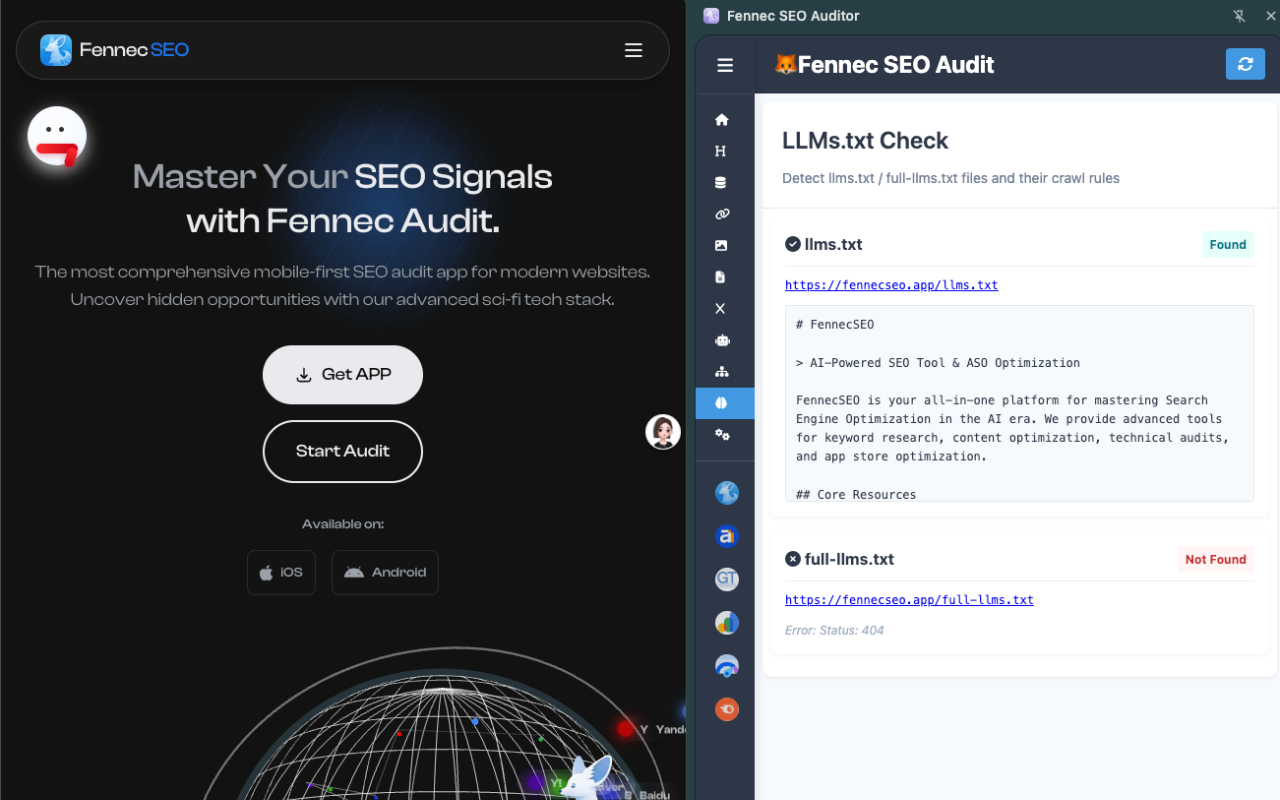
The current Chrome Web Store listing says the extension lives in the Chrome side panel and audits the current page for:
- titles and meta descriptions,
- heading structure,
- internal and external links,
- images and alt text,
robots.txtand sitemap discovery,- schema markup,
- and social tags.
That lines up with the current site product page at Extension, which shows the same side-panel workflow and screenshots. It is a strong fit for live page debugging, QA after a deploy, or checking competitor pages without switching tools.
Choose the extension first if you need:
- a fast audit while browsing a page,
- heading, meta, link, image, or schema checks during content QA,
robots.txtand sitemap checks without leaving the tab,- or a browser-native workflow that can later connect to the OpenClaw integration article.
Privacy and Permission Boundaries
This page also needed a clearer explanation of where the data stays.
For the extension, the current Chrome Web Store listing says the developer declares it does not collect or use your data. On the site’s own privacy policy, Fennec further explains that the extension analyzes the current tab in a local, isolated browser environment, uses permissions like tabs, activeTab, sidePanel, contextMenus, offscreen, storage, and scripting for audit functions, and does not inject ads or unrelated scripts.
For the iPhone app, the current App Store listing shows a different disclosure pattern: contact information and a user identifier may be linked to the user for app functionality, while diagnostics and a device identifier may be collected without being linked to identity. For Android, the current Google Play listing says data is not shared with third parties.
That difference matters when choosing a workflow:
- If you want the lightest browser-side page inspection, the extension has the clearest local-analysis positioning.
- If you want account-linked GSC workflows and synced app behavior, the mobile app exposes a broader product surface and therefore broader privacy disclosures.
Which One Should You Install First?
Use this simple selection rule.
| If your immediate task is… | Install first | Why |
|---|---|---|
| Check one live page’s title, headings, links, schema, or robots behavior | Chrome extension | It is built for page-level side-panel inspection |
| Review GSC data, ask AI questions about search performance, or monitor sites from mobile | App Store / Google Play | The app is designed around account-level and mobile workflows |
| Audit a page now and then continue the follow-up on mobile | Both | The products solve different parts of the workflow |
| Verify whether a site is exposing agent-facing discovery and AI-search signals | Mobile app + v1.2.0 release notes + Agent SEO guide | The current app workflow is split between the latest release summary and the earlier Agent SEO deep dive |
Known Limits Before You Install
Do not treat the three surfaces as identical.
- Store naming is inconsistent right now. The App Store, Google Play, and Chrome Web Store use different public labels, so support or onboarding content should link directly to the correct store.
- The mobile app and the extension do not solve the same problem. The app is broader and more account-oriented; the extension is faster for live page inspection.
- The App Store now presents the iOS product as Designed for iPad. That helps large-screen mobile workflows, but desktop browser QA is still a clearer first step in the extension.
- The extension is excellent for page-level checks, but the store listing does not position it as a full-site crawler or a replacement for GSC workflows.
- AI and Agent SEO features are easier to verify from the v1.2.0 product update and the v1.1.0 Agent SEO guide than from the original launch post.
A Better First-Run Path
If you want a practical starting point instead of a generic launch announcement:
- Install the Chrome extension if you need to inspect a live page right now.
- Install the mobile app from the App Store or Google Play if you need GSC-connected or mobile-first workflows.
- Use the public SEO Audit Tool for a browser-based entry point before committing to the app workflow.
- If your next step is AI-facing auditing, continue to the Agent SEO audit landing page, the v1.2.0 release notes, and the deeper Agent SEO v1.1.0 guide.
- If your next step is browser automation, continue to the Chrome extension + OpenClaw workflow guide.
That gives you a real decision path: page inspection -> mobile monitoring -> agent-ready workflows, instead of one broad “ultimate toolkit” claim.