Googlebot WRS & JavaScript SEO: What Google Actually Renders and How to Debug It

If you search for “Googlebot WRS JavaScript SEO,” the practical answer is this: Google can process JavaScript, but it still treats crawling, rendering, and indexing as separate phases. That means a page that looks fine in your browser can still fail for Google if the main content, canonical, links, or status handling depend on fragile client-side behavior.
For this URL, the optimization plan saved a Search Console D0 baseline of 126 impressions at an average position of 7.76 for 2026-07-16 through 2026-07-22. No newer page/query export is stored in this repository, so this refresh uses that baseline until the next Search Console pull.
Google’s current JavaScript SEO basics page still describes the flow as crawl, queue for rendering if needed, and then use the rendered HTML for indexing. Google’s Fix search-related JavaScript problems page also explicitly names Googlebot’s Web Rendering Service (WRS) and explains that rendering can expose problems with client-side code, blocked resources, status handling, and routing.
What Google publicly documents right now
| Topic | Current first-party guidance | Why it matters |
|---|---|---|
| Crawl, render, index are separate | Google says it crawls the page, queues it for rendering, then uses rendered HTML for indexing. | A page can be reachable but still fail when the rendered result differs from the raw response. |
| Render timing is variable | Google says pages can stay in the render queue for a few seconds, but can take longer. | Do not promise that rendering is “instant” or always delayed by days. |
| Googlebot is evergreen | Google says Googlebot uses the latest Chromium rendering engine. | Old advice tied to obsolete Chrome versions is risky. |
| Important links must be crawlable | Google recommends real <a href> links and warns against fragment-only URLs for content loading. | Click handlers and fragment routing still break discovery. |
| Status and metadata must be stable | Google warns about soft 404s, robots mistakes, and incorrect canonicals in JavaScript apps. | Rendering success alone does not guarantee correct indexing. |
| Server-side or pre-rendered HTML is still recommended | Google says server-side rendering, pre-rendering, or static rendering remains a good idea because not all bots can run JavaScript. | SSR and SSG are still the safer default for search-critical pages. |
This is enough to support a useful workflow. It is not enough to support many of the dramatic claims still repeated in JavaScript SEO articles.
Three WRS claims you should stop repeating
1. “Google has a 5-second WRS limit”
Google does not publish a universal 5-second timeout rule you can quote as a fact. The safer conclusion from official documentation is narrower:
- rendering uses queueing and finite resources;
- heavy JavaScript can fail or produce incomplete output;
- you should test the real rendered result instead of assuming timing thresholds.
If your page only becomes useful after a slow API chain, a hydration error, or a click-triggered fetch, that is already enough reason to fix it. You do not need an invented timeout number.
2. “Two-wave indexing still means days of delay”
Google’s documentation still supports a separation between crawl and render, but it does not justify a blanket claim that the second phase usually arrives days later. The JavaScript SEO basics page says a page may stay in the render queue for a few seconds, but can take longer.
Use that wording. It reflects the official position without turning queue behavior into a guaranteed timeline.
3. “Render budget is a fixed SEO metric”
Google discusses crawl budget in official documentation, but it does not publish a page-level WRS budget number you can optimize against like an official KPI. What you can observe directly is whether your important content appears early enough, whether resources load successfully, and whether Google reports the intended rendered result.
What breaks JavaScript indexing in practice
| Failure mode | What Google sees | Why it fails |
|---|---|---|
| Thin app shell in raw HTML | Minimal headings, no body copy, weak links | The renderer has too much work left to reconstruct the page |
| Content fetched only after a click | No main answer in the rendered snapshot | Google does not behave like a user completing every interaction |
| Fragment-only routing | URLs such as /#/pricing or #features | Google recommends using the History API instead of fragments for stateful pages |
| Late or overwritten canonical | Wrong canonical after hydration or route change | Indexing signals become unstable |
| Soft 404 behavior | 200 OK with “not found” copy injected by JavaScript | Google can classify it as a soft 404 |
| Blocked or failed resources | Missing scripts, CSS, or API payloads | Rendering cannot reconstruct the intended content |
| Client-only metadata updates | Title, robots, or description appear too late or inconsistently | Search signals may differ across views |
The common pattern is not “Google hates JavaScript.” The common pattern is that the important SEO state is too late, too fragile, or too different from the server response.
A reproducible debugging workflow
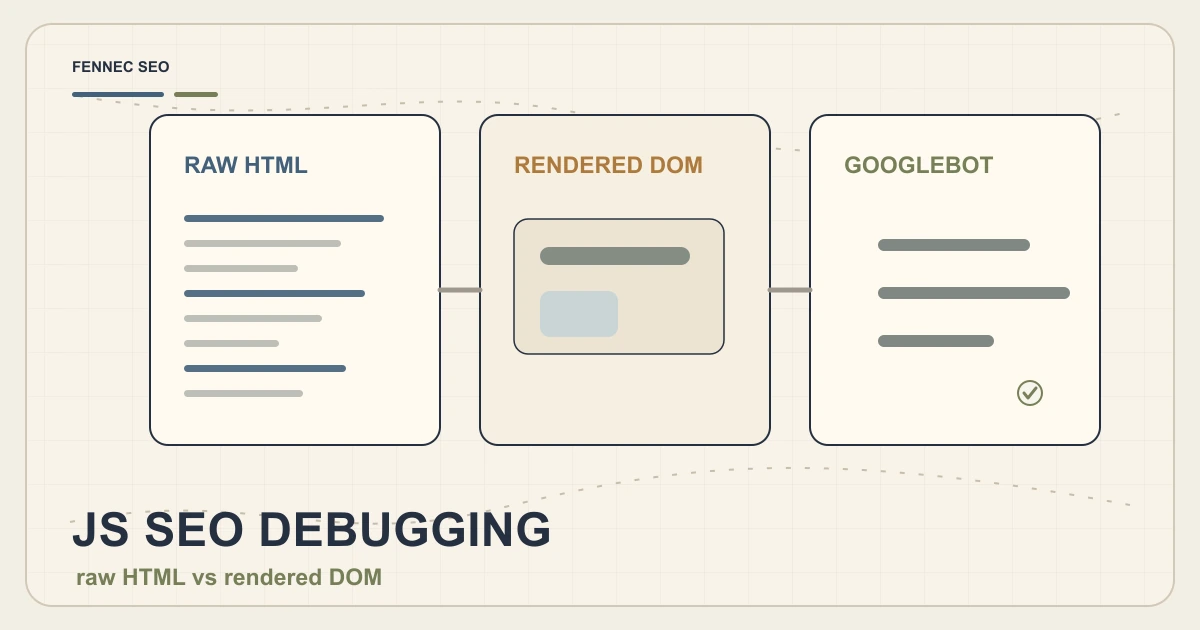
This page focuses on the sequence. For a deeper side-by-side DOM comparison, continue with JavaScript SEO Debugging: Raw HTML vs Rendered DOM.
1. Capture the raw HTML first
Start with the real URL, not the local component:
URL='https://fennecseo.app/blog/googlebot-wrs-javascript-seo/'
curl -L --compressed "$URL" -o /tmp/googlebot-wrs.html
wc -c /tmp/googlebot-wrs.html
rg -n "<title>|rel=\"canonical\"|<h1|application/ld\\+json|noindex" /tmp/googlebot-wrs.html
You are checking whether the response already contains the basics:
- title;
- meta description;
- canonical;
- H1;
- direct answer or summary;
- important internal links;
- JSON-LD;
- robots directives.
If the raw response is mostly an app shell, you already know the page depends heavily on rendering.
2. Compare raw HTML with the rendered page
Google’s JavaScript documentation says it renders the page and uses the rendered HTML for indexing. That means you need to compare two states, not just inspect one browser view.
Check whether the rendered page adds or changes:
- the main answer;
- canonical tags;
- meta robots;
- structured data;
- internal links;
- product or article body copy.
If key copy appears only after client execution, ask whether it could have been server-rendered or pre-rendered instead.
3. Run a live inspection instead of guessing
Google’s URL Inspection tool documentation says a live test can show the final URL after redirects, HTTP response, page resources, JavaScript console messages, and a screenshot of the loaded page. That is the official place to confirm whether Google can actually reach the important state.
Use the live test to verify:
- the requested URL resolves to the intended canonical target;
- essential resources are not blocked;
- the rendered screenshot matches the user-facing page;
- console errors do not prevent content from appearing;
- the HTML Google tested contains the intended answer and links.
Do not treat a successful live test as a ranking guarantee. Treat it as a rendering and reachability check.
4. Check links and routing before blaming WRS
Google’s documentation recommends crawlable anchor links and warns against relying on URL fragments for loading different page states. Important navigation should look like this:
<a href="/pricing/">Pricing</a>
Not like this:
<div onclick="goToPage('/pricing/')">Pricing</div>
And not like this for core navigation:
<a href="#pricing">Pricing</a>
If the app changes meaningful content states, use real URLs and the History API rather than fragment-driven views.
5. Verify status handling and not-found states
Google’s Fix search-related JavaScript problems page calls out soft 404 risk when a JavaScript app shows an error view but still returns 200.
Check your actual HTTP response:
curl -I 'https://fennecseo.app/blog/googlebot-wrs-javascript-seo/'
Then test known failure routes in your own app. If a missing page visually says “not found” but still returns 200, Google can classify it as a soft 404. Fix the server response or use JavaScript redirects only when they reflect a real redirect target.
6. Review interactions, storage, and browser-only assumptions
Google’s JavaScript SEO guidance specifically warns about depending on user permissions, cookies, local storage, or browser APIs in ways that hide essential content.
High-risk examples include:
- primary copy that appears only after a consent click;
- links injected only after a button press;
- canonical changes triggered by client-side state;
- routes that require storage to reconstruct the content view;
- lazy components that fail silently when API calls time out.
If the page matters for search, the first useful answer should not depend on reenacting a full user journey.
When to change architecture instead of debugging forever
| Page type | Safer approach | Reason |
|---|---|---|
| Blog posts | Static generation or server rendering | Main copy, metadata, and links are predictable |
| Pricing and product pages | SSR or pre-rendering | Critical conversion copy should be immediately available |
| Help center or docs | Static generation where possible | Stable content benefits from consistent HTML output |
| Logged-in dashboards | Client rendering is fine | Usually not intended for public indexing |
| Personalized widgets inside public pages | Hybrid approach | Keep the indexable answer server-side and personalize later |
This is also where Googlebot Crawl Limits and Hidden Content & SEO connect. Crawl size, render reliability, and interaction-dependent copy often fail together.
What to measure after a fix
For this page pair, keep the existing D0 baseline from 2026-07-16 through 2026-07-22:
- 126 impressions
- average position 7.76
On D7, focus on technical confirmation rather than ranking narratives:
- URL Inspection live test passes;
- rendered body matches the intended content;
- canonical and hreflang are correct;
- main links are crawlable;
- no new soft 404 or noindex state appears;
- English and Chinese pages remain aligned.
On D14 and D28, then review impressions, clicks, CTR, and whether the top queries match the page’s real task.
Bottom line
Google does render JavaScript, and Google publicly still describes that work as a separate rendering phase. The right lesson is not “trust WRS” or “fear WRS.” The right lesson is to make your important search signals stable before rendering becomes a source of ambiguity.
Start with the server HTML. Confirm the rendered result with URL Inspection. Use real links, real status codes, and real canonical handling. If the page is important for search, give Google and users the same essential answer as early as possible.
For the next step, use JavaScript SEO Debugging: Raw HTML vs Rendered DOM for the side-by-side inspection workflow, or run a broader technical SEO audit if the issue spans templates rather than one URL.
Q&A
Does Google still separate crawling, rendering, and indexing for JavaScript pages?
Yes. Google’s JavaScript SEO guidance still describes crawling, rendering, and indexing as separate phases, with pages entering a render queue when JavaScript is needed.
Is there an official 5-second WRS limit for JavaScript SEO?
No public Google document currently gives a universal 5-second WRS rule. Google documents a render queue, resource constraints, and common JavaScript failures, but not a fixed per-page timeout you should quote as policy.
What is the fastest way to validate a JavaScript page for Googlebot?
Compare raw HTML with the rendered DOM, run Search Console URL Inspection live testing, and verify that title, canonical, robots, main content, and crawlable links appear without depending on a user click.