From One-Page SEO Audit to a Prioritized Fix List

You have one important page, a browser audit full of warnings, and a release meeting in 30 minutes. Which item should engineering fix first—and which warnings should not become tickets at all?
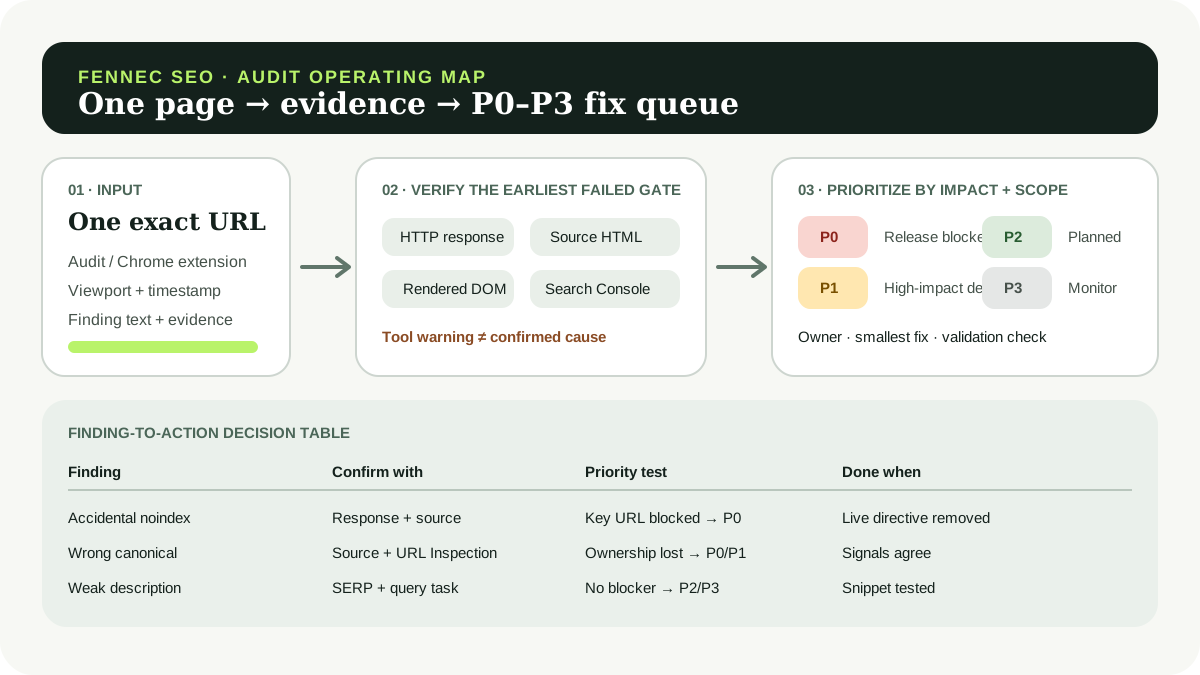
This tutorial turns that specific situation into a reproducible prioritized SEO fix list. The workflow starts with Fennec Audit or the Fennec SEO Auditor Chrome extension, verifies findings against the live response and page, and ends with a P0–P3 queue whose rows have evidence, owners, and completion tests.
The central rule is simple: do not prioritize the color or score; prioritize a confirmed failure and its impact. An audit score is useful for routing attention. It does not prove that Google indexed a URL, that a warning caused a ranking change, or that fixing the warning will increase traffic.
The output: one row per verified finding
Every row in the final action plan should contain:
| Field | What to record |
|---|---|
scope | Exact URL, route pattern, component, or template |
raw_finding | The tool’s wording without rewriting it as a cause |
evidence | Response, source HTML, rendered DOM, Search Console, or another reproducible check |
earliest_failed_gate | Discovery, crawl, render, index, relevance, click, or conversion |
priority | P0, P1, P2, or P3 using the rules below |
owner | Engineering, content, SEO operations, analytics, or a named role |
smallest_safe_action | The narrowest change capable of removing the confirmed problem |
validation | The exact check that must pass after the change |
status_and_date | Open, fixing, validating, closed, or monitor plus the next review date |
If you need a ready-made structure, download the Google SEO audit worksheet. The worksheet stores evidence; this tutorial explains how to convert its rows into a defensible order of work.
Step 1: capture the audit without interpreting it
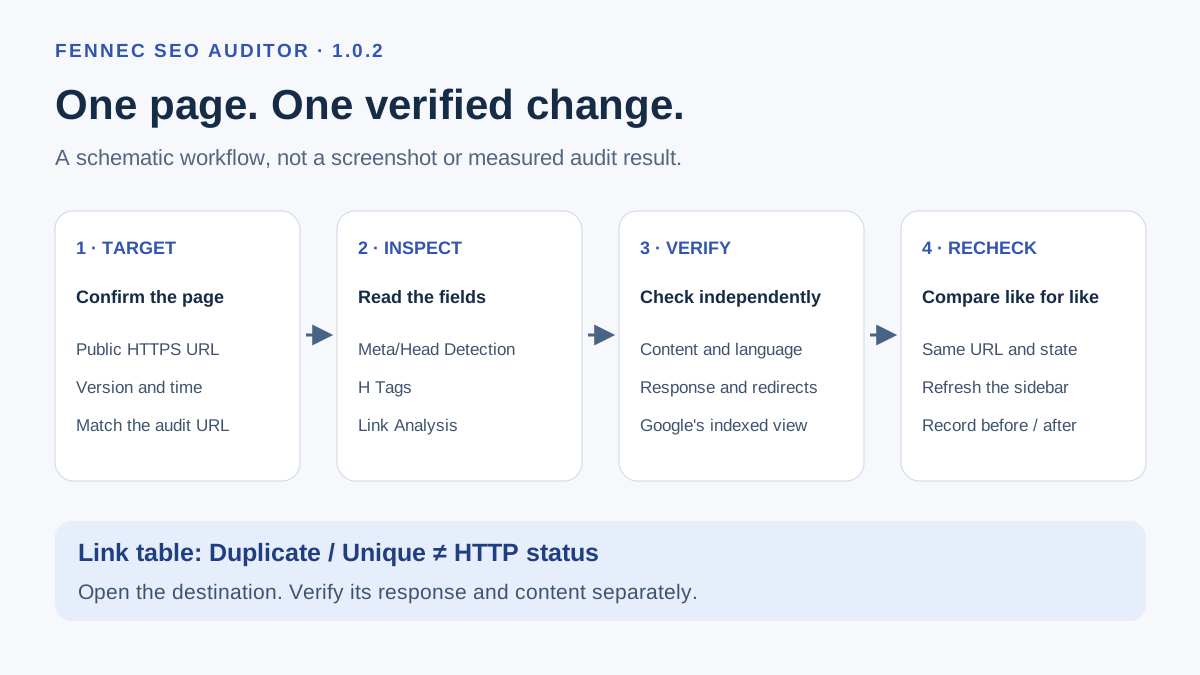
Open the exact page you want to inspect. Use the same canonical URL, device or viewport, and signed-in state that a user would encounter. Then:
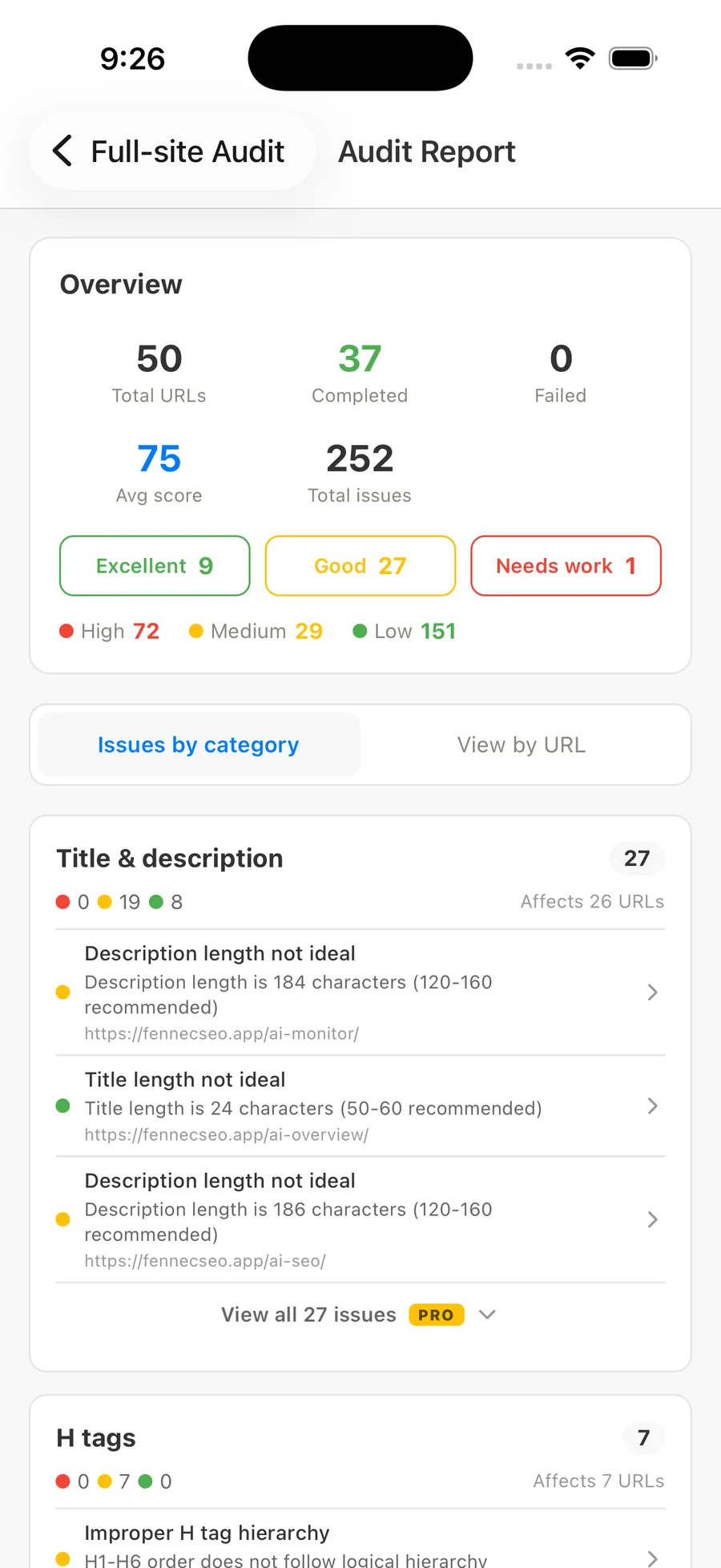
- run Fennec Audit or open the Fennec SEO Auditor extension on that page;
- record the URL, timestamp, viewport, audit mode, overall score, and each finding exactly as displayed;
- save the relevant output or screenshot before changing the page;
- separate page-level findings from template-level patterns;
- do not assign a priority yet.
The extension can surface page structure and technical signals quickly, while focused tools such as the canonical checker, link checker, and Bot Simulator can narrow the next check. Dynamic pages also need a rendered-page comparison; source HTML alone may not describe the content users and crawlers receive after JavaScript runs. The broader Technical SEO service page explains why crawling, rendering, mobile behavior, and structured data remain separate layers.
Version labels and interface wording can change. Copy what your installed extension actually reports instead of relying on this article for a fixed menu label.
Step 2: reproduce the page state
Here is a real input captured for this tutorial on 2026-08-30:
Target URL: https://fennecseo.app/blog/google-seo-audit-worksheet/
Method: live HTTP response + returned HTML
Response: HTTP/2 200
Content-Type: text/html; charset=utf-8
HTML size: 99,423 bytes
HTML lang: en
Robots meta: index, follow
Canonical: https://fennecseo.app/blog/google-seo-audit-worksheet/
Title: Google SEO Audit Worksheet for 2026 - Fennec SEO Blog
H1 elements: 1
This is a real response snapshot, not a claim that every field came from the extension. It illustrates the evidence boundary: an automatic audit may flag or summarize fields, but the action-plan row must say which check confirmed each one. A later response can differ, so always capture your own timestamped output.
The correct conclusion from this snapshot is limited: the requested URL returned HTML with a self-referencing canonical, an index/follow robots directive, English language markup, a title, and one H1. It does not prove that Google selected that canonical, indexed the page, ranked it for a target query, or considered its content helpful.
For Google’s view, use URL Inspection. Google distinguishes indexed data from the live test, and a live-test result does not guarantee that a URL appears in Search. This is why Google indexing troubleshooting routes response, rendering, directives, canonical signals, and Google’s reported state in order.
Step 3: verify the earliest failed gate
Test the earliest layer that could explain the symptom before moving downstream:
- Discovery: Is the preferred URL linked with a crawlable
<a href>and included in the intended sitemap or navigation path? - Crawl: Does it return the intended status and content type without a login wall, loop, or accidental block?
- Render: Does the rendered DOM preserve the primary answer, links, headings, and structured data?
- Index: Are
noindex, canonical, alternate-language, and Google-selected canonical states aligned? - Relevance: Does the page answer the intended query task with original evidence and the right page role?
- Click: Do title and snippet promise the task the page actually fulfills?
- Conversion: Is the next action appropriate, reachable, and measurable?
If crawl fails, rewriting the meta description is not the first fix. If the page is crawlable and indexed but attracts the wrong queries, changing robots rules is not the first fix. The Google SEO diagnostic workflow provides the full decision tree.
Step 4: translate findings into P0–P3 actions
Use importance, severity, scope, confidence, and dependencies together. The following table is a decision aid—not a promise that the same finding always receives the same priority.
| Finding | Required verification | Typical priority rule | Smallest action | Completion evidence |
|---|---|---|---|---|
Important production page has accidental noindex | Live response/header and source; confirm page is intended for Search | P0 when a critical released URL or template is blocked | Remove the unintended directive at its source | Live response is indexable; rendered HTML agrees; URL Inspection rerun |
| Key URL returns 5xx or redirect loop | Repeat request; trace every hop; confirm scope | P0 for a critical path or widespread regression | Repair delivery rule or loop, not individual symptoms | Stable final 200 and direct internal links |
| Wrong canonical points a key page to an unrelated URL | Source, sitemap/internal signals, URL Inspection | P0/P1 depending on importance, scope, and observed ownership loss | Correct the canonical source and conflicting signals | Preferred URL is consistent across page, sitemap, links, and later Google state |
| Primary body is missing after rendering | Compare source and rendered DOM across representative pages | P0/P1 if the main task becomes unavailable | Fix the shared rendering/component failure | Rendered body and essential links persist in repeat tests |
| Broken internal links on an important cluster | Re-request destinations and identify shared component | P1 when discovery or a critical user path is impaired; otherwise P2 | Fix the component or closest authoritative link source | Links resolve directly and static/link checks pass |
| Missing or invalid structured data | Validate markup and confirm eligibility/policy | P1/P2 based on affected feature and scale; never promise a rich result | Correct required properties or remove misleading markup | Validator passes and visible content matches markup |
| Weak title or description | Compare query task, page promise, and observed Search Console/SERP pattern | P2 when the page is accessible and the mismatch is evidenced; P3 without enough data | Rewrite only the mismatched promise | Re-crawl plus planned CTR/query review |
| Image alt, secondary heading, or copy polish issue | Inspect meaning and context manually | P2/P3 unless it blocks the primary task or accessibility | Make the smallest contextual correction | Human review confirms meaning; regression checks pass |
What P0 actually means
P0 is a confirmed incident or release blocker: users or crawlers cannot reliably reach an important experience, a critical page is unintentionally excluded, or a shared regression threatens a large valuable set. “Critical” in a tool interface is not enough by itself.
P1, P2, and P3
- P1: a confirmed high-impact defect that should enter the current work cycle but does not require incident handling;
- P2: a validated improvement with bounded impact and no upstream blocker;
- P3: a low-confidence, low-impact, cosmetic, or monitoring item that should not displace verified work.
When confidence is low, create an evidence-gathering action rather than a speculative fix. When many URLs share one cause, scope the ticket to the template or component and list representative pages.
Automatic checks versus human review
| Automatic checks can establish | Human review must decide |
|---|---|
| Response status, redirect hops, content type, directive presence | Whether the URL is intended to be indexed |
| Presence and count of titles, headings, canonicals, links, images, schema blocks | Whether the title, heading hierarchy, links, and image alternatives fit the task |
| Source/rendered differences and broken destinations | Whether a difference removes meaningful content or is harmless enhancement |
| Field length, missing attributes, duplicate strings | Whether wording is accurate, distinctive, useful, and non-misleading |
| Repeatable performance and markup test outputs | Business importance, acceptable risk, owner, and release timing |
Automation is strongest at detecting observable states. Human review is required for intent, accuracy, priority, and whether the proposed change could damage another page role. Review claims and sources with the Google SEO evidence matrix before turning an interpretation into a ticket.
A worked finding-to-action example
Suppose the extension flags “canonical mismatch” on an important product guide. Do not immediately create “P0: fix canonical.” Create an investigation row first:
scope: /example-guide/
raw_finding: canonical mismatch
evidence: tool warning only
priority: unassigned
next_check: compare live source, redirect target, sitemap URL,
            internal links, and URL Inspection canonical states
After verification, the row may become:
scope: guide template; samples /example-guide/ and /second-guide/
confirmed_state: template emits an unrelated canonical on both samples
earliest_failed_gate: index
priority: P1
owner: engineering
smallest_safe_action: correct the template canonical resolver
validation: same samples return self-referencing canonicals; sitemap and
            internal links agree; run live URL Inspection after release
status: open
Why P1 rather than P0? In this hypothetical case, the pages still return 200 and there is no verified production-wide outage or known loss of canonical ownership. If Search Console showed critical URLs being excluded at scale immediately after a release, the same defect could become P0. Evidence changes priority.
Validation is part of the fix
Define completion before implementation:
- rerun the same URL, viewport, and audit mode;
- inspect the live response and rendered page, not only a CMS field;
- test representative URLs when the change is shared;
- run build, indexability, content, page, and static-link checks before release;
- after an authorized release, compare Search Console’s indexed state with a live test and monitor the intended queries and landing page;
- keep a rollback reference for template, directive, canonical, redirect, and rendering changes.
Google’s documentation on canonical consolidation, crawlable links, robots meta directives, and structured data explains the underlying signals. These sources define technical behavior; they do not assign your business priority.
The handoff checklist
Before the queue enters a sprint, confirm:
- every row names one finding and an exact scope;
- evidence and interpretation are separate;
- the earliest failed gate is explicit;
- P0 rows are confirmed blockers, not scary labels;
- one shared cause is not duplicated into dozens of page tickets;
- each action has an owner, smallest safe fix, validation, and review date;
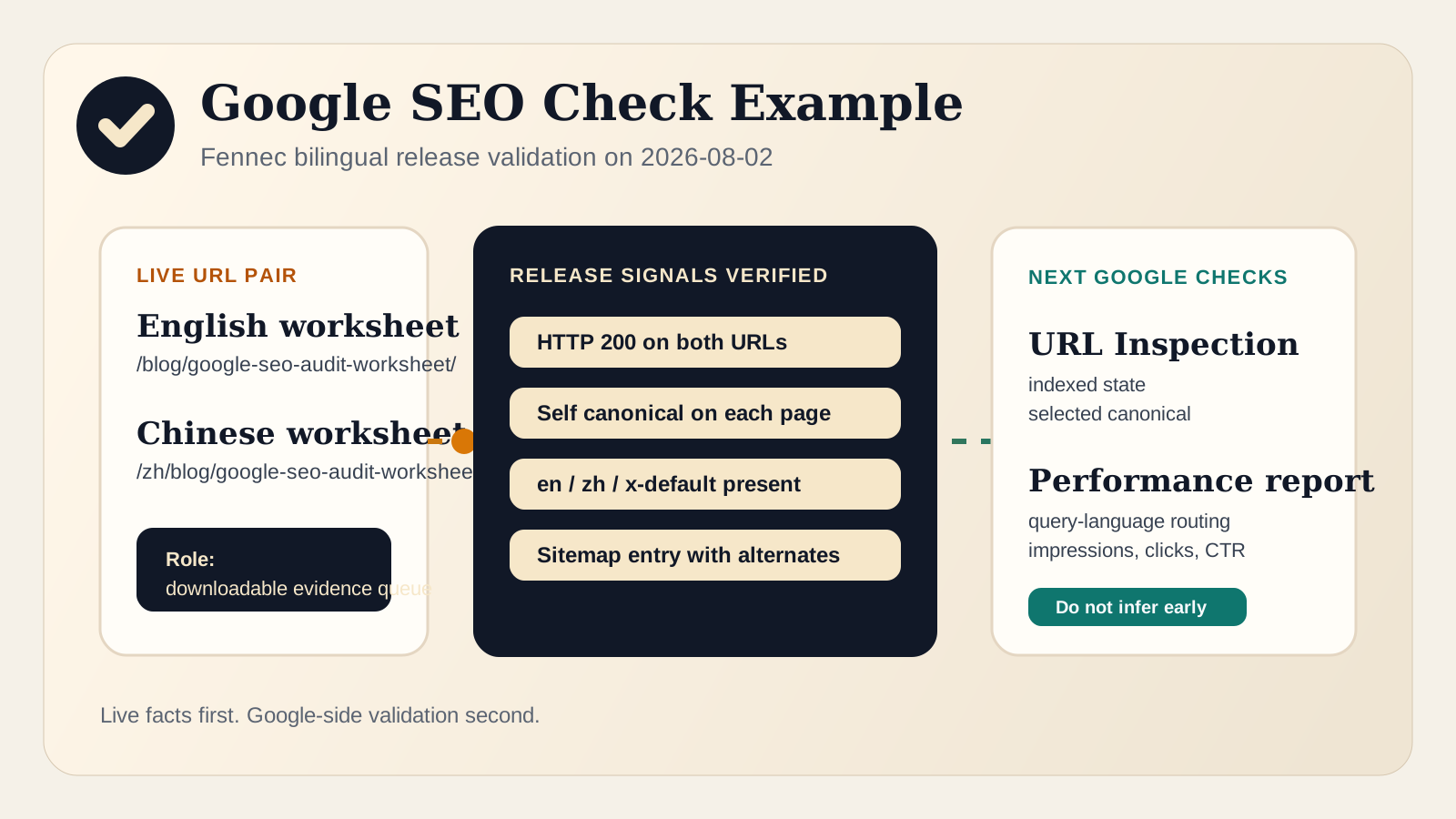
- bilingual pages are checked in both languages rather than treating one as proof for the other;
- no row promises indexing, ranking, traffic, or rich-result gains.
That is the difference between an audit report and an SEO audit action plan: the report says what a tool observed; the plan says what evidence confirmed, what matters first, who acts, and how the team will know the issue is actually resolved.
Sources
- Google Search Central: Inspect and troubleshoot a single page
- Google Search Central: Canonical URL consolidation
- Google Search Central: Crawlable link best practices
- Google Search Central: Robots meta tag and X-Robots-Tag
- Google Search Central: Introduction to structured data
Q&A
How do I prioritize findings from a one-page SEO audit?
Verify each finding, identify the earliest failed gate, then rank it by business importance, affected scope, severity, confidence, and dependency. Reserve P0 for confirmed release blockers or critical regressions.
Should every critical audit warning become a P0 fix?
No. A tool label is a triage signal, not a business priority. The warning must be reproducible, affect an important page or template, and block crawling, indexing, rendering, or a critical user task before it deserves P0.
What should every SEO fix-list item contain?
Record the exact URL or template, raw finding, confirming evidence, priority, owner, smallest safe action, validation check, status, and review date.